

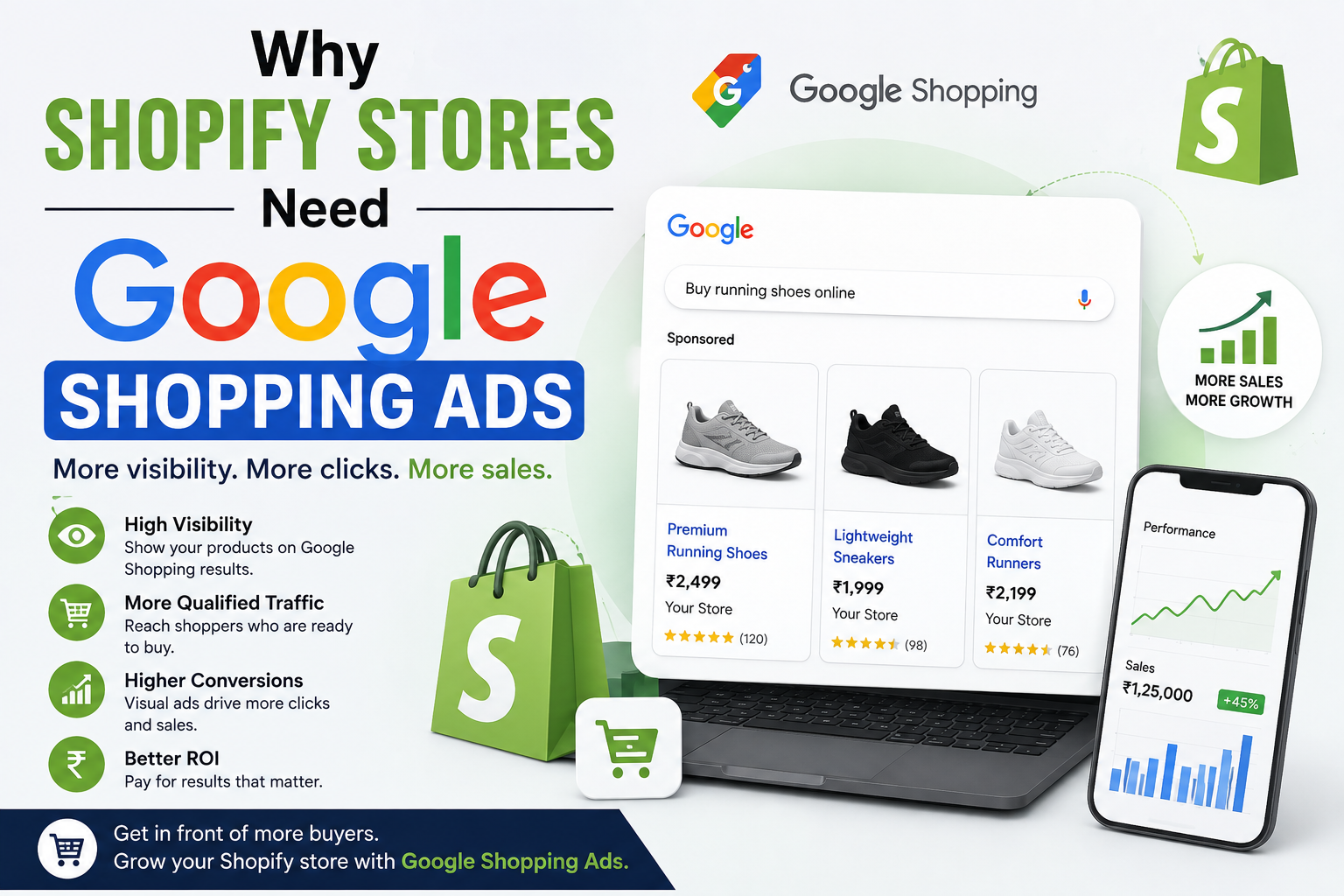
Ask any Shopify merchant running paid media where most of their Google Ads budget goes, and the answer is usually Shopping, not Search, not Display. That's not a trend, it's a fit issue: Shopping ads are built around a product feed, and a Shopify store's product catalog is exactly the input Shopping needs. For most stores, Shopping ads end up doing more of the selling than any other paid channel.
What Makes Shopping Ads Different
A Shopping ad isn't written copy — it's a structured listing pulled straight from your product feed: image, title, price, and reviews, matched automatically to relevant searches by Google. There's no headline to craft and no keyword list to build manually. The product data does the targeting. That single mechanic is why Shopping ads suit ecommerce catalogs in a way Search ads, built around keywords a human chooses, don't automatically match.
Why This Fits Shopify Specifically
The catalog is already structured for it. Shopify's product data — titles, variants, images, pricing, inventory — maps closely to what the Google Merchant Center feed needs. Native and third-party feed apps sync this automatically, so most stores can get a working feed live faster than they could build out a comparable Search campaign from scratch.
Shopify stores compete on visual and price comparison. Shoppers browsing "organic cotton baby onesie" or "stainless steel water bottle 32oz" are comparing options side by side. A Shopping listing answers that comparison directly with an image and a price — which is exactly the moment in the funnel where Shopping ads convert best.
Catalog breadth is common in Shopify stores. Whether a store has 40 SKUs or 4,000, Shopping scales across the whole catalog without writing new ad copy for each product. Search campaigns can't cover that ground without a lot more manual setup.
Reviews and ratings show up in the ad itself, which matters more for DTC brands building trust from a standing start than it does for established retailers shoppers already recognize.
The Feed Is the Campaign
The most common reason a Shopify store's Shopping campaign underperforms isn't bidding strategy — it's feed quality. Google decides which queries a product shows for based on the feed data, so:
- Titles need to match how people actually search, not internal SKU naming. "Men's Merino Wool Crew Socks — Grey" outperforms "MW-CRW-GRY-M" every time.
- GTINs and product identifiers should be complete. Missing identifiers limit how confidently Google matches your products to searches, and can restrict eligibility entirely for some categories.
- Images need to be clean, on a plain background, and accurate to the listed variant — a mismatched image is one of the more common causes of feed disapprovals.
- Pricing and availability need to sync in near real-time. A feed showing an out-of-stock or mispriced item wastes spend and damages trust the moment a shopper clicks through.
A feed audit is usually the highest-leverage fix available before touching bids or budgets at all.
Where Search Still Has a Role
Shopping ads aren't a replacement for Search — they cover different intent. Branded searches, high-intent transactional queries, and offers that don't map to a single SKU (bundles, services, promotions) still perform better through Search's headline and keyword control. Most Shopify stores run both, weighted toward Shopping for catalog coverage and Search for intent precision. We break down exactly how to split budget between the two in Google Shopping Ads vs Search Ads: Which One Should Get Your Budget?.
Don't Read Shopping ROAS at Face Value
Shopping campaigns tend to report the strongest ROAS in a Shopify account, largely because they often reach shoppers who are already deep in a comparison — closer to a decision than to being persuaded. That's a real strength, but it also means Shopping ROAS can overstate how much new demand the campaign is actually creating. The distinction between what a campaign reports and what it actually causes is worth understanding before reallocating budget purely on ROAS — covered in Why ROAS Doesn't Tell the Full Story: The Case for Incrementality.
Getting Started on Shopify
- Connect Google Merchant Center to Shopify via the Google & YouTube channel app, which handles most of the feed sync automatically.
- Audit the feed for title quality, missing GTINs, and image compliance before launching campaigns.
- Segment product groups by margin and priority, not just category, so budget doesn't spread evenly across low- and high-value SKUs.
- Start with Standard Shopping or a tightly scoped Performance Max campaign rather than a broad PMax launch, to keep visibility into what's actually driving results.
- Review search terms weekly for the first month to catch irrelevant matches while the feed and targeting settle in.
The Bottom Line
Shopping ads exist for exactly the kind of catalog a Shopify store already has — structured product data, visual comparison shopping, and SKU-level breadth that Search campaigns aren't built to cover efficiently. The store doesn't need to choose Shopping over everything else, but skipping it means leaving the format best matched to how ecommerce shoppers actually search unused.
Related reading: Google Shopping Ads vs Search Ads: Which One Should Get Your Budget? · How to Scale Ecommerce Sales with Google Ads · Why ROAS Doesn't Tell the Full Story: The Case for Incrementality