

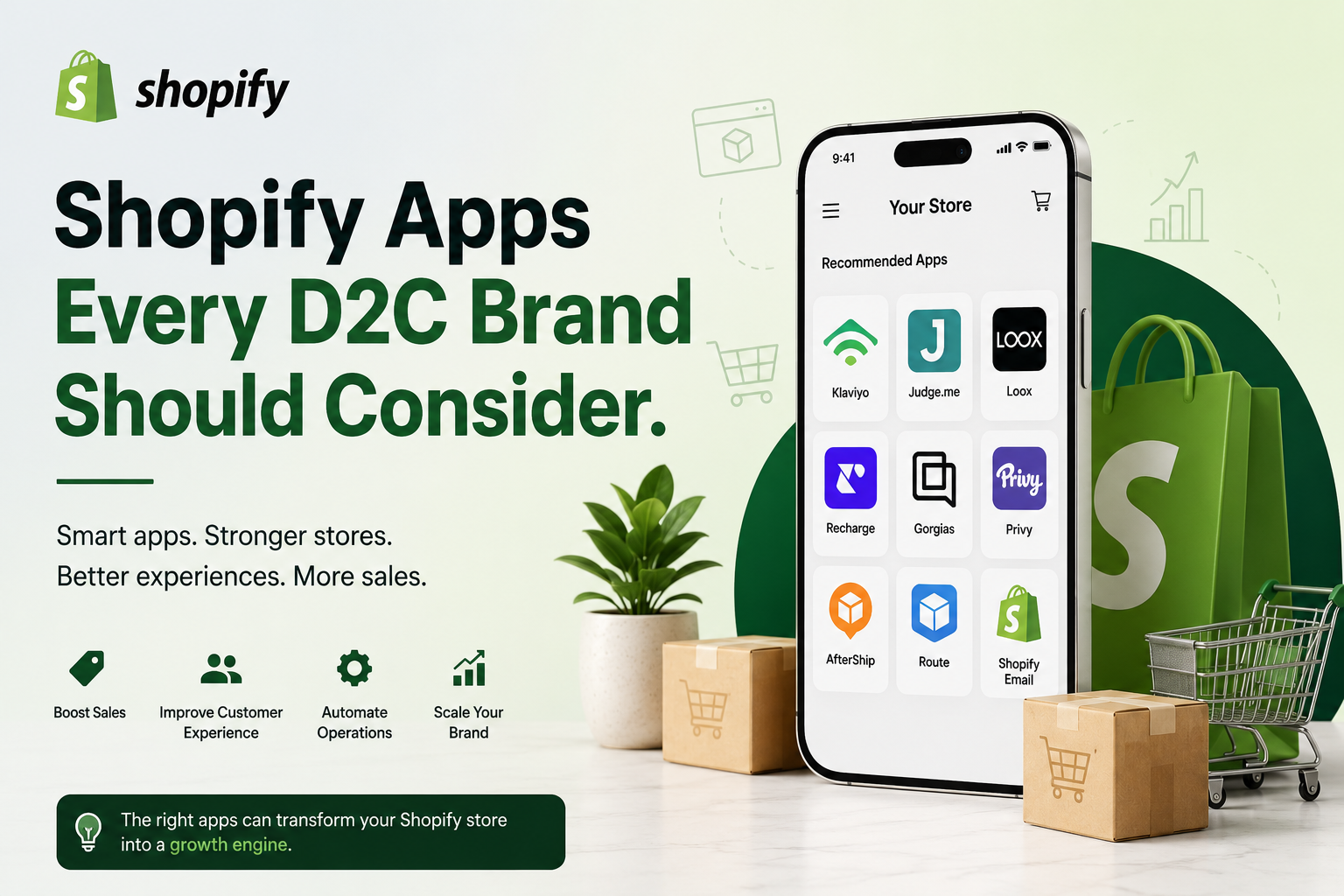
Most Shopify stores we audit are running 22 to 30 apps. Maybe eight of them are doing real work. The rest are adding script tags, slowing the theme, and quietly billing $19 a month each for features the store owner forgot they turned on. So before the list of Shopify apps every D2C brand should consider, the honest starting point: the right app stack is smaller than you think, and the wrong one is the reason your Largest Contentful Paint sits at 3.8 seconds on mobile.
That said, apps are why Shopify beats building your own stack. You are not going to write a review widget, a subscription billing engine and a faceted search index yourself. You shouldn't. The skill is knowing which categories genuinely move revenue, which ones you can defer, and when an off-the-shelf app stops fitting and you need something custom.
What Shopify apps actually do for a growing D2C brand
Shopify's core platform handles catalogue, cart, checkout and payments extremely well. It deliberately does not handle everything else. Apps fill the gaps: retention, discovery, merchandising, support, forecasting.
The pattern we see in stores doing $500k to $10m a year is that app spend lands somewhere between $400 and $1,500 a month. That is fine if each line item maps to a number you track. It stops being fine when nobody can say what the loyalty app contributed last quarter.
One rule that has saved our clients more money than any other: every app gets a review date. Put it in the calendar for 90 days after install. If you can't defend it then, uninstall it and clean the leftover theme code.
Search and filtering: the most underrated category
If you sell more than 150 SKUs, product discovery is probably your biggest silent leak. Shopify's native search is keyword-literal. Search "blue linen shirt" and you may get nothing because the product is titled "Azure Linen Shirt". Shoppers who use search convert at two to three times the site average, so a bad result page is expensive.
Boost AI and Searchanise are the well-known options. We built FilterPro – Smart Product Filters & AI Search because both felt heavy for mid-size catalogues and neither handled metafield-driven filters cleanly without developer help. FilterPro gives you instant faceted filtering on collection pages, synonym handling, and AI search that understands intent rather than exact strings. For jewellery, apparel and home brands with deep variant structures, filtering by material, size, occasion and price is not a nice-to-have.
Whichever you pick, test it on mobile with a slow connection. Some filter apps re-render the whole collection grid on every click. That feels awful on a 4G connection in regional Australia.
Page speed: fix the theme first, then use an app
Speed apps get oversold. No app can rescue a theme with four sliders, six fonts and a hero video above the fold. Fix that first. Then an optimisation layer is genuinely worth it.
Our own SwiftStore – Auto PageSpeed Optimization handles the mechanical work: lazy-loading offscreen images, deferring non-critical JavaScript, preloading the LCP image, minifying and cleaning up orphaned app scripts. On a typical Dawn-based store carrying a dozen apps, that is often the difference between a 2.4s LCP and something under 1.5s. Google's Core Web Vitals feed into ranking, and mobile bounce rates react to the first two seconds more than to anything else on the page.
Realistic expectation: an app can win you 20 to 40 points on a bad Lighthouse score. Going from 70 to 90 usually needs a developer in the theme.
Email, SMS and the retention stack
Klaviyo is still the default for D2C in the US, UK and Australia, and for good reason: the Shopify data sync is deep and the segmentation is worth the price. Omnisend is a legitimate alternative if your list is under 20,000 and you want SMS bundled without a separate contract. We're Omnisend certified and we've moved plenty of brands there when Klaviyo's bill outgrew the value they were pulling from it.
Three flows earn most of the money: abandoned checkout, browse abandonment, and a post-purchase sequence that asks for a review at the right moment. Build those properly before you touch anything else. A weekly campaign calendar can wait.
Reviews, loyalty and subscriptions
Reviews: Judge.me at $15/month does 90% of what Yotpo does at ten times the cost. Loox is worth the premium if photo reviews are core to your category, which for beauty and apparel they usually are. Get review rich snippets working so the stars show in Google results.
Loyalty: Smile.io and Yotpo Loyalty both work. But loyalty programs underperform for brands with a purchase cycle longer than six months. If you sell mattresses, spend the money on referral instead.
Subscriptions: Shopify's own Subscriptions app is free and fine for simple replenishment. Recharge earns its fee when you need prepaid plans, complex swap logic, or a proper customer portal. Skip Recharge until subscription revenue crosses roughly 15% of the total.
Upsells, inventory and analytics
For AOV, Rebuy is the strongest but demands real merchandising effort to configure well. Installed and left on defaults, it just clutters the cart. A cheaper post-purchase upsell app often outperforms it for a fraction of the setup time.
On stock, Inventory Planner is the one to look at once you're managing over 300 SKUs across multiple channels. Before that, a spreadsheet and Shopify's built-in reports are honestly enough.
Analytics: Triple Whale and Lifetimely both stitch ad spend to contribution margin. Useful when monthly ad spend passes about $30k. Below that, Shopify Analytics plus GA4 configured properly will tell you what you need. We set up server-side tracking for clients as part of SEO and content work because attribution has quietly broken on most stores since iOS 14.
Support: only when the volume justifies it
Gorgias starts around $10/month but the useful tier is closer to $60. It's worth it once you're fielding more than about 150 tickets a month and your team is copy-pasting order lookups. Below that, a shared inbox and a good FAQ page cost nothing and work fine. Support apps do not create revenue; they save labour. Buy them when the labour exists.
When off-the-shelf stops working
Every scaling brand eventually hits something the Shopify App Store doesn't cover. A jewellery retailer needs live gold and silver rates pulled into pricing several times a day, so we built Gold & Silver Live Rate for exactly that. Others need an ERP sync, a B2B pricing tier, a warehouse integration or a configurator that no public app supports.
That's the point at which custom Shopify app development makes sense. A private or custom app built for your workflow removes three subscriptions and a manual process. Our Shopify app developers build these as embedded apps using Shopify's App Bridge and Admin API, so they sit inside your admin rather than as another browser tab. If you're weighing build versus subscribe, the maths usually favours building when combined app fees pass roughly $200 a month for a workflow you'll still need in three years.
How to choose without wrecking your store
- Check the app's last update date on the Shopify App Store. Anything untouched for a year is a risk.
- Read the 2- and 3-star reviews, not the 5-star ones. That's where the support quality shows.
- Run Lighthouse before install and a week after. If mobile performance drops more than five points, decide whether the feature is worth it.
- Ask whether the app writes to your theme. Many leave code behind after uninstall, which is how stores end up with dead scripts from apps removed two years ago.
- Never install two apps in the same category to "compare". They'll conflict, usually in the cart.
One more thing worth saying plainly: an app cannot fix a positioning problem, weak product photography or a 4% conversion rate caused by shipping costs revealed at checkout. We've watched brands install six conversion apps in a quarter when the real issue was a $12 delivery charge appearing on the last step.
FAQ
How many Shopify apps is too many?
There's no hard number, but past 15 you should be auditing. What matters is script weight and overlap, not the count. Five badly built apps can hurt more than twenty lightweight ones.
Do Shopify apps slow down a store?
Most do, slightly. The ones that inject JavaScript into every page hurt the most. Shopify's app performance report in the admin shows the estimated impact per app, and it's a good place to start an audit.
What are the best Shopify apps for a brand new store?
Reviews, email, and search once your catalogue passes about 100 products. That's it. Everything else can wait until you have traffic data to justify it.
Are free Shopify apps worth using?
Some are excellent, particularly Shopify's own. Free third-party apps often monetise through branding on your storefront or by upselling later. Check what the free tier actually limits before you build a process around it.
When should we build a custom Shopify app instead?
When no public app fits the workflow, when you're paying for three apps to fake one feature, or when you need an integration with a system specific to your business. Look at Shopify app development options at that point rather than forcing a workaround.
Do apps affect Shopify SEO?
Indirectly, through page speed and Core Web Vitals. Directly, review apps add structured data and filtering apps can create indexable collection URLs if configured correctly. Badly configured, they generate thousands of duplicate URLs, which is worse than having no filtering at all.
Should we uninstall apps we no longer use?
Yes, and then check the theme for leftover code. Uninstalling removes billing, not always the script tags. A developer can clean it in an hour.
A practical next step
Open your Shopify admin, go to Settings then Apps, and sort by install date. Anything you can't immediately explain the purpose of is a candidate for removal. That exercise alone typically trims $150 to $300 a month off the bill.
If you'd rather have someone else look at it, our team runs a free Shopify store audit covering app overlap, page speed, and the specific optimisations worth doing on your setup. No obligation, and we'll tell you if the answer is "change nothing".