

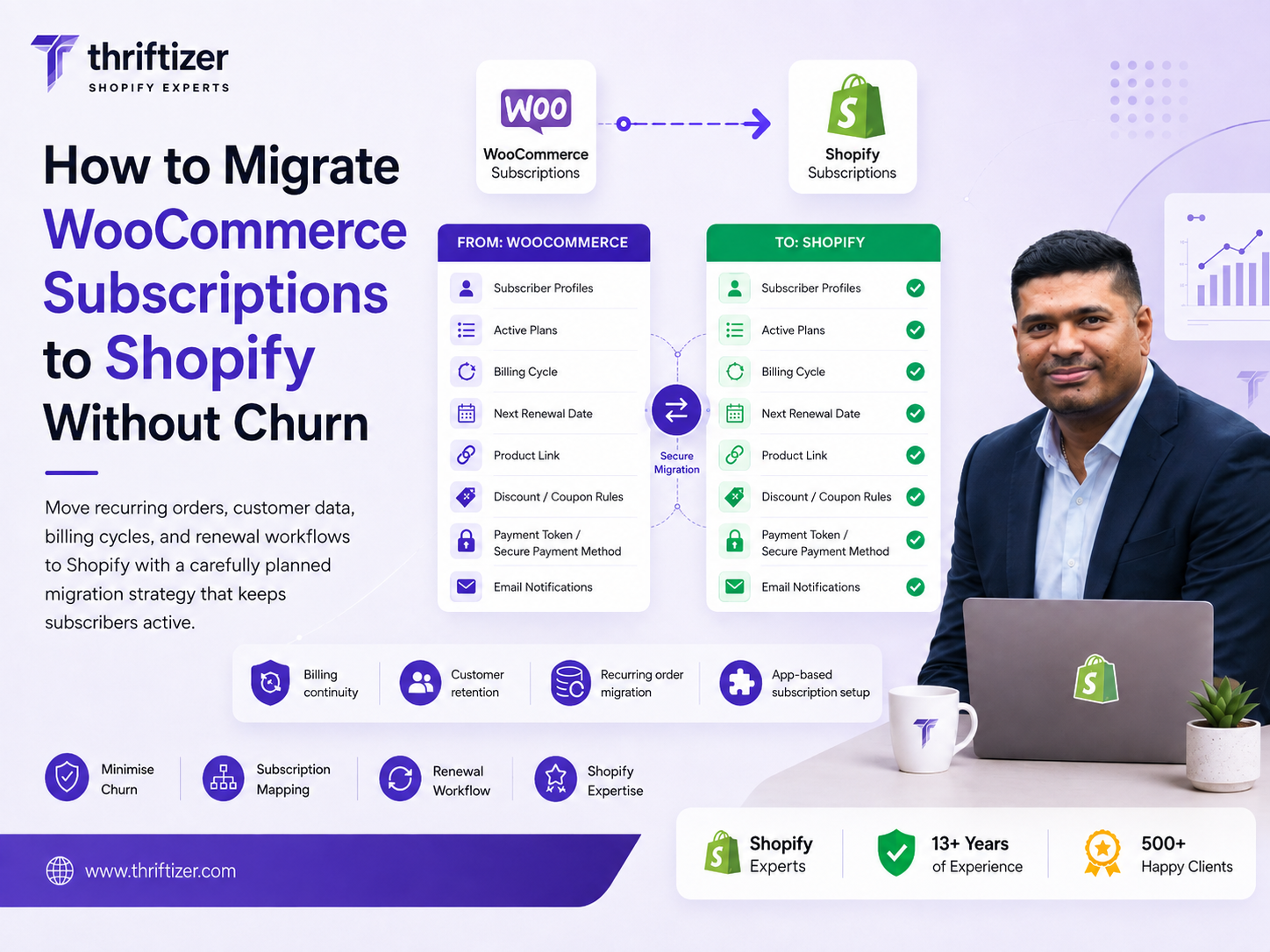
Two fields decide whether your subscriber base survives a replatform: the payment token and the next billing date. Everything else is recoverable. You can rebuild a theme, redirect URLs, re-upload product images, fix collection SEO over a weekend. But if the card token dies, you have to email every subscriber and ask them to re-enter a card, and a meaningful share of them will use that email as a reason to leave. If the billing date resets, you either bill people early and eat disputes, or you skip a cycle and hand back a month of revenue. So when people ask how to migrate WooCommerce subscriptions to Shopify, the honest answer starts with your gateway, not your theme.
We have run these migrations for D2C brands in India, the UAE and the US. The pattern is consistent: teams budget three weeks for design and three days for subscriptions, then discover in week four that the vault copy alone takes a fortnight.
What actually breaks on a WooCommerce to Shopify subscription move
A standard WooCommerce migration moves products, customers, orders and content. Subscriptions are a different animal because they are live financial instruments, not records. Each one carries a stored payment credential held by your gateway, a schedule that a cron job is watching, a discount that may have three of five uses left, and a dunning state.
Four things go wrong, in rough order of how much money they cost:
- Token loss. The new platform cannot charge the old card. Every active subscriber becomes a re-authorisation task.
- Date reset. Everyone's next charge lands on migration day. Your gateway sees a 40x spike in volume from one merchant and starts declining on velocity rules.
- Silent data drops. Prepaid cycles, sign-up fees, locked-in shipping rates, and "20% off your first three orders" coupons that were already two orders in.
- Portal confusion. The customer's bookmarked /my-account/subscriptions page 404s and they email support instead of logging in.
Card tokens: find out who owns your vault before you promise a launch date
Your cards are not in WooCommerce. WooCommerce stores a reference. The actual PAN sits with Stripe, Braintree, Authorize.Net or PayPal, and whether it can move depends entirely on which of those you use and where you are billing.
Stripe. Stripe will copy a card vault to another PCI DSS Level 1 processor. You raise it with Stripe support, the receiving side confirms compliance, and the data moves machine to machine, encrypted. You get back a mapping file of old customer and source IDs against new ones, which is what your import script joins on. Budget two to three weeks end to end, and expect to request a delta copy just before cutover to catch anyone who signed up during the wait.
Braintree and Authorize.Net. Braintree does the same kind of vault export. Authorize.Net CIM profiles survive if you keep the same Authorize.Net account and your new subscription app can bill against it. If it cannot, the profiles are worthless.
PayPal. Billing agreements are tied to your PayPal merchant account, not to WooCommerce. Keep the account, enable reference transactions, and confirm the Shopify app supports them. If it does not, every PayPal subscriber re-authorises.
Here is the part that surprises people. If you plan to run subscriptions through Shopify Payments, you cannot import an outside vault into it. Shopify Payments will not ingest your Stripe cards. That is a hard fork in the road: keep your own gateway connected to a subscription app that supports it and keep your tokens, or move to Shopify Payments and re-authorise the entire base. Get this confirmed in writing by both the app vendor and Shopify before you commit to a date. We have seen a launch slip five weeks because nobody asked.
India is a separate problem: RBI e-mandates do not transfer
If you bill Indian cards, you are not dealing with a vault. You are dealing with a registered e-mandate under the RBI framework: AFA at registration, a pre-debit notification 24 hours before each debit, and a value cap above which the customer must authenticate again. That mandate is registered against your merchant ID at a specific payment aggregator. It is not portable to another aggregator. There is no Stripe-style copy request to raise.
Practically, that leaves three options:
- Stay on the same Razorpay or PayU account and find a way to keep triggering the existing mandates from Shopify. The mandates live on, the storefront changes.
- Accept re-authorisation. Every subscriber sets up a fresh mandate or a UPI Autopay mandate. Plan for the churn, because there will be some.
- Run a hybrid: new subscribers on the Shopify-native flow, existing mandates continuing to bill on the old rails until they naturally lapse or the customer upgrades.
Option one usually needs custom work, because most Shopify subscription apps cannot fire a charge against a mandate that was created outside them. What we build in that situation is a small private app: it listens to gateway webhooks for successful recurring debits, creates the matching Shopify order, keeps the subscription record in metafields, and takes over the 24-hour pre-debit notification. That obligation moves with the biller, so it has to be handled deliberately. If that sounds like your situation, it is a Shopify app development project sitting inside a migration, and it should be scoped as one.
One more Indian wrinkle. Plenty of brands run "COD subscriptions" in WooCommerce, which are really just scheduled reminders with a manual order each cycle. Those have no token to move. They are a CRM flow, and they port to Shopify Flow plus a Klaviyo or Omnisend sequence, not to a subscription app.
Billing-date preservation, field by field
Assume the token survives. You can still torch your MRR by importing a clean date and a dirty schedule.
WooCommerce Subscriptions stores schedule dates in postmeta as UTC strings: _schedule_next_payment, _schedule_trial_end, _schedule_end, _schedule_cancelled. If your import treats those as local time and your store runs on IST, every charge shifts by five and a half hours, which for a subscriber whose renewal sits near midnight means a whole day. Multiply by a cohort and you have a support queue.
The fields worth mapping explicitly, because at least one of them gets dropped in most DIY imports:
- Next payment date, to the hour, converted correctly
- Billing interval and period, as a pair. "Every 2 weeks" is not "every 14 days" in some apps' anchor logic
- Trial end date and whether the trial has already been consumed
- Prepaid subscriptions: cycles paid, cycles already delivered, cycles owed with no further charge. Miss this and you either ship free boxes forever or bill someone who has already paid
- Recurring coupons with a usage limit, and how many of those uses are gone
- Order sequence number, if you run "every fourth box free" or a milestone gift
- Shipping rate locked at signup, which is often lower than your current rate
- Sign-up fees, so the import does not charge them again
- Dunning state and retry count
The concrete failure looks like this. A customer signs up on 3 February for a monthly box. You import on 19 March and the app sets next charge to import day. You have billed them sixteen days early, they see two debits within six weeks, and they file a dispute rather than an email. Chargebacks on a recurring debit are expensive twice: the fee, and the gateway's view of your dispute ratio.
Export more than the active list
WooCommerce Subscriptions ships with a CSV exporter, and it is a fine starting point, but it will not give you the gateway token meta. Pull that separately with WP-CLI or a direct query against postmeta for _stripe_customer_id, _stripe_source_id, _payment_method and the equivalents for your gateway. Join on subscription ID.
Then segment before you import, because not everything should come across as active:
- Active and healthy. Last payment succeeded, token present. These migrate.
- In dunning. One or more failed retries. Importing these as active restarts the retry clock and inflates your first-week decline rate. Let them finish their retry sequence on WooCommerce, or migrate them in a separate batch with the retry count intact.
- On hold and pending cancel. Decide deliberately. Pending-cancel subscribers have already told you they are leaving.
- Cancelled and expired. Migrate as historical records only, for LTV reporting. Never as billable.
Pick the subscription app on your constraint, not the demo
Recharge, Loop, Skio, Appstle, Seal and Awtomic all demo well. The question that separates them for your store is narrow: which gateways can this app bill against in my market, and can it ingest an imported token and an imported next-charge date without recalculating either?
Ask for it in writing. Ask specifically whether the migration is run by their team or handed to you as a CSV template. Ask what happens to a prepaid plan with two cycles remaining. Ask whether the customer portal can live on your domain, because a portal on a vendor subdomain is a support ticket generator for Indian customers who assume it is a phishing link.
If you are on Shopify Plus or heading there, the Subscriptions API gives you more control over checkout and the contract object, which matters for anything unusual. If you are not there yet, it is rarely worth upgrading purely for subscriptions. We say that to people fairly often.
A cutover sequence that survives the first renewal batch
The version we run, roughly:
- Day -30. Field audit. Export the full subscription set, count how many have a live token, and record baseline metrics.
- Day -25. Raise the vault copy request with the gateway. This is the long pole. Start it before the theme work.
- Day -20. Build subscription plans in Shopify and map every SKU. Woo variations to Shopify variants, one to one, with a spreadsheet you can diff.
- Day -10. Dry run into a development store with fifty real subscriptions. Verify next charge dates against source data, row by row. Not spot checks. Every row.
- Day -2. Freeze customer self-service edits in WooCommerce. Take the final delta export.
- Day 0. Import. Run low-value authorisation tests on a sample across card brands and BINs before flipping anyone to active.
- Day +1. First live renewal batch. Watch the decline rate hourly, not daily. If it is more than two or three points above your WooCommerce baseline, stop billing and diagnose before the queue drains.
- Day +30. Keep WooCommerce running read-only. You will need it to answer "what did this customer actually pay in August".
Do not schedule cutover in the fortnight before Diwali, or in the week of a big drop. The first renewal batch needs your attention, and it will not get it during a festive peak. The rest of the sequence is standard Shopify migration practice: redirects, structured data, staging on a password-protected store.
The one email you send subscribers
Send it after the migration is verified, not before. If tokens ported, do not mention payment details at all, because "we've updated your payment information" reads as a breach notice. Say the account page has moved, give the direct link, and state the next delivery date in plain text. One button.
Passwords cannot come across. WooCommerce hashes and Shopify's account system do not speak the same language, and Shopify will not accept a password import. Shopify's newer customer accounts use a one-time code to the email address, which quietly solves this: no reset email, no forgotten password, no drop-off. Use them. Also keep a redirect from the old /my-account paths, because a chunk of your base has that URL bookmarked and will not read your email.
Measure against a baseline you took first
Before you touch anything, record four numbers from WooCommerce: monthly involuntary churn, dunning recovery rate, average subscription age, and decline rate split by card brand. Without them you cannot tell whether a 9% decline rate in month one is a migration problem or just Tuesday.
Thirty days after cutover, compare. Voluntary cancellations tend to tick up slightly regardless, because the migration email is the first message some subscribers have opened in a year. Involuntary churn should be flat or better. If it is worse, the cause is almost always one of three things: a token subset that did not map, a retry schedule that is more aggressive than your old one, or a pre-debit notification that is not going out.
Where to start this week
Pull one CSV: every active subscription with its next payment date, gateway, whether a token reference exists, and any coupon still attached. That single file tells you in about ten minutes whether this is a three-week project or a three-month one, and it is the first thing any competent partner will ask for.
If you want a second pair of eyes on it before you commit to a platform decision, our free audit covers the subscription and gateway side, not just page speed. Bring the CSV and the name of your payment aggregator. That is enough to give you a straight answer on whether your tokens can move.