

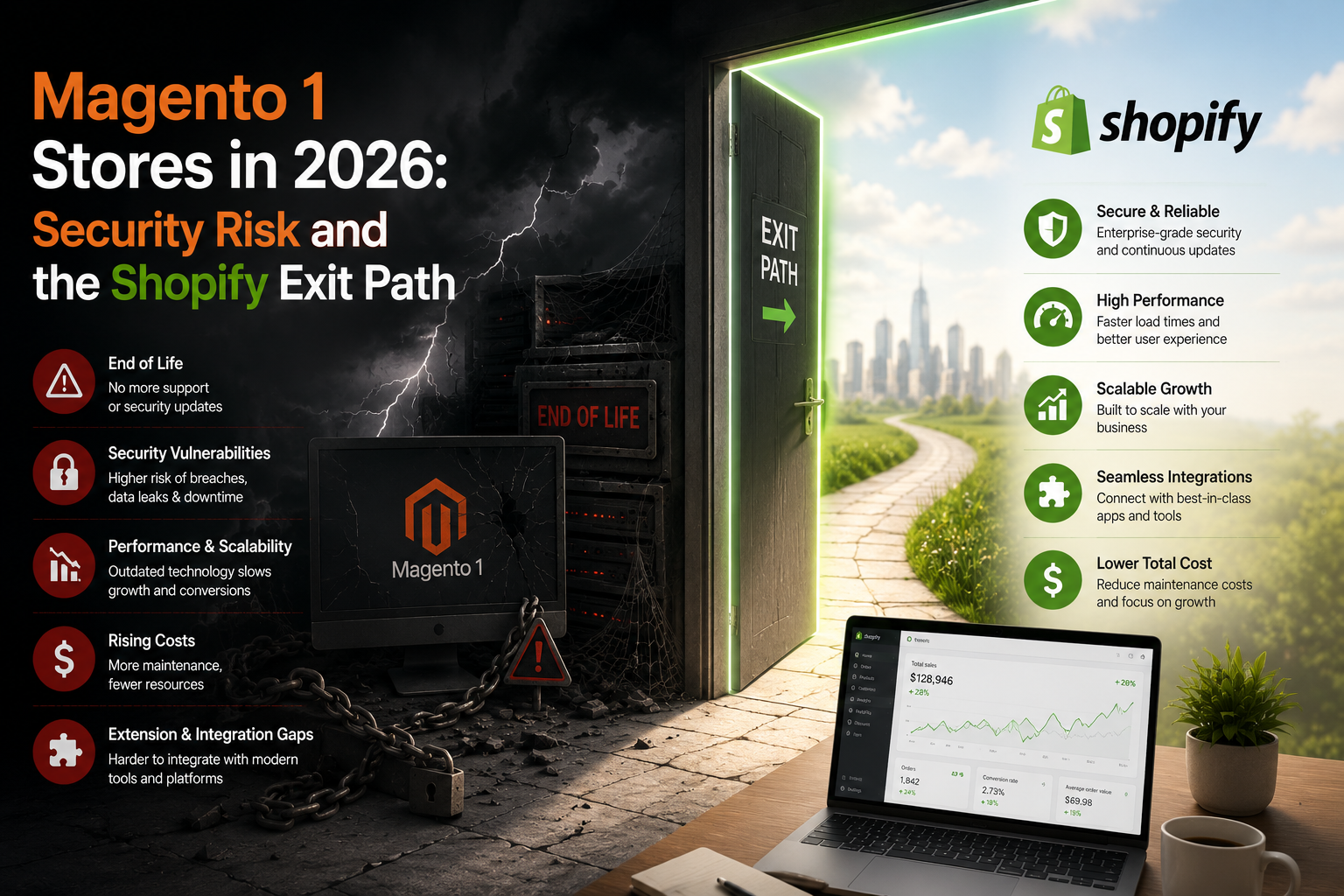
If you are still running Magento 1 and searching for a Magento 1 to Shopify migration, the honest framing is this: you are not upgrading features, you are closing a hole. Magento 1 stopped getting official security patches on 30 June 2020. Every month since, your checkout has been running code that nobody is obliged to fix. The reason to move in 2026 is that your acquiring bank, your card scheme rules and your own liability position have all moved on, and the platform under your cart has not.
Two things follow from that. First, the project has a deadline set by someone other than you. Second, the business case is not "better conversion" — it's the removal of a card-data attack surface you currently own and cannot patch.
The stack under a Magento 1 store in 2026
Take the best-case Magento 1 install. You are on 1.9.4.x, patched to the final official release, running PHP 7.2 because that's the highest branch Magento 1 ever supported. PHP 7.2 reached end of security support in November 2019. So the most current, best-maintained Magento 1 store in the country is sitting on a language runtime that stopped receiving security fixes over six years ago, on top of an application that stopped receiving them five and a half years ago.
Most stores we look at are worse. PHP 5.6. MySQL 5.6. A gateway module last touched in 2018 by a developer who has since moved on. Twenty-odd community extensions, three of which load JavaScript into the checkout page from a domain the merchant has never heard of.
That last point is the one that matters. Magento 1's checkout runs on your server, in your DOM, under your control and therefore under your responsibility. Card-skimming groups worked this out years ago and industrialised it: inject a few lines into the payment step, harvest card numbers on submit, exfiltrate to a look-alike domain. The merchant finds out when the acquirer calls.
What PCI DSS 4.0 changed, and why it lands hardest on self-hosted checkouts
PCI DSS v3.2.1 was retired on 31 March 2024. Version 4.0 replaced it, v4.0.1 followed in June 2024, and the requirements that had been given a grace period became mandatory on 31 March 2025. Two of them are aimed squarely at the kind of attack Magento 1 keeps suffering:
- 6.4.3 — you must inventory every script that loads on your payment page, authorise each one, and confirm its integrity.
- 11.6.1 — you must detect unauthorised changes to the payment page's content and HTTP headers, and alert on them.
On a self-hosted Magento 1 checkout, meeting those two properly means script inventory management, integrity checks and tamper detection on a page served by an application that receives no security updates. You can buy tooling for it. You will still be monitoring a building you are not allowed to repair.
The counterpoint, and it's the important one: the PCI Security Standards Council revised SAQ A in early 2025 so that merchants who fully outsource their payment page — redirect or embedded iframe, with the card fields never touching the merchant's site — are not on the hook for 6.4.3 and 11.6.1 in the same way. That relief exists precisely because those merchants don't control the payment page. Which is the whole argument for moving to a hosted checkout, expressed in the standard's own logic.
What your acquirer and your CFO will actually ask
In India, the conversation usually starts with Razorpay, PayU or Cashfree asking you to confirm your PCI position, or with an enterprise customer's vendor security questionnaire landing in your inbox. Three questions come up every time.
Which SAQ are you completing? Self-hosted Magento 1 with the checkout on your own domain puts you in SAQ A-EP territory at best, and A-EP is a long document with external vulnerability scanning attached. Shopify's checkout is hosted by Shopify, which is a PCI DSS Level 1 service provider, and a merchant using it is normally in SAQ A scope.
Are your quarterly ASV scans clean? Scans on an unpatchable PHP stack throw findings you cannot remediate, only document. Compensating controls, every quarter, forever.
Are you compliant with RBI's card-on-file tokenisation rules? Since 1 October 2022 you cannot store raw card numbers for saved-card checkout in India — you use network tokens issued through your gateway. Magento 1 stores that built saved-card flows before 2022 either ripped them out or quietly broke. Shopify's checkout handles tokenisation through the gateway integration and you never see a PAN.
None of this is exciting. It is the reason a migration gets signed off.
The Magento 1 to Shopify migration, in the order we actually do it
A typical Magento 1 store — 3,000 to 15,000 SKUs, one warehouse, a handful of integrations — takes six to ten weeks. Not two. Anyone quoting two weeks is running a CSV importer and calling it a project.
- Week 1: inventory, not design. Every extension, every cron, every custom controller, every script on the checkout. Half of them turn out to be dead. The other half map to a Shopify app or a piece of Liquid, and a few map to nothing, which is where the real decisions live.
- Week 2: data model. Attribute sets become metafields with a proper definition and type. Configurable products become variants. Category tree becomes collections, mostly automated, with rules rather than manual assignment where the logic allows.
- Weeks 2–5: theme build. We rebuild rather than replicate. Copying a 2016 Magento theme pixel for pixel gets you a slow Shopify store with the same conversion problems and a new bill.
- Weeks 4–7: integrations. Gateway, shipping aggregator, ERP or Tally, WhatsApp, email. This is where timelines slip, so we start it before the theme is finished.
- Week 6: URL map. Covered below. It is the single highest-risk item and the one most often left to the last Friday.
- Weeks 7–8: parallel run, then cut over. Freeze the catalogue, run a final delta import of orders and customers, flip DNS on a Tuesday morning. Never on a Friday and never in October.
We publish more detail on scope and sequencing on our Shopify migration page, including what we ask for before quoting.
The data that does not transfer cleanly
Migration tools will tell you everything moves. Some things don't, and knowing which ones before you start saves a bad week.
Passwords. Magento's hashes cannot be imported into Shopify. Every customer resets, or you send account activation invites in batches. Plan the comms; a silent forced reset on 40,000 customers generates support tickets and chargebacks-by-confusion.
Order state. Historical orders import as records, not as live workflow. Open orders, partial shipments, pending refunds and store credit balances need a manual cut-off plan. We usually close the Magento admin to new orders, fulfil the tail there, and import the closed set.
Complex configurables. Shopify has raised the old 100-variant ceiling considerably, but the option structure is still flatter than Magento's. A made-to-order product with six dependent attributes needs rework, not a mapping.
Layered navigation. This is the one merchants underestimate. Magento's layered nav on attributes is genuinely good, and Shopify's native filtering is thinner out of the box. If you sell anything with more than three or four meaningful attributes, budget for a filtering app from day one — our own FilterPro exists because we kept rebuilding the same faceted filter and search layer on migration projects.
CMS blocks and static blocks. They will be scattered across templates. Someone has to find them all. We miss a few on the first pass roughly a third of the time, which is why we do a content diff before cutover rather than after.
URL mapping: the arithmetic nobody enjoys
Magento 1 URLs carry patterns Shopify does not use. Category paths at the root, product URLs ending in .html, plus the whole /catalog/product/view/id/ family and the layered-nav query strings that Google may have indexed for years.
Shopify forces /products/, /collections/, /pages/ and /blogs/ prefixes. So essentially every indexed URL on the site changes. On a 12,000-SKU store with 400 categories and 150 CMS pages, that is more than 12,500 redirects before you count paginated and filtered variants.
Handle it with pattern rules, not a spreadsheet of 12,500 rows. Pull the live URL list from Search Console and server logs rather than the sitemap, because the sitemap won't show you the ten-year-old URLs still earning links. Then, after cutover, watch 404s daily for four weeks. Traffic loss from a botched redirect map shows up in week three, not week one, and by then everyone has moved on to the next thing.
What standing still costs, with the numbers
Take a mid-size Indian D2C store on Magento 1, roughly ₹6 crore a year in revenue. Annual run cost we see repeatedly:
- Managed hosting with a WAF in front: ₹22,000 a month = ₹2.64 lakh
- Third-party extended-support patch subscription: about ₹1.1 lakh
- Developer retainer to apply patches and keep extensions alive: ₹45,000 a month = ₹5.4 lakh
- Quarterly ASV scans plus SAQ paperwork help: ₹60,000
That's ₹9.74 lakh a year to stand still. Now Shopify Advanced at $399 a month, taken at ₹84 to the dollar and before any annual-billing discount, is ₹33,516 a month, so ₹4.02 lakh. Add a realistic app stack — filters and search, reviews, subscriptions, a COD verification tool — at around $150 a month, another ₹1.51 lakh. Total ₹5.53 lakh.
Difference: ₹4.21 lakh a year, and your checkout leaves your PCI scope. A migration of that size typically lands in the ₹4 lakh to ₹12 lakh range depending on how much custom logic has to be rebuilt, so the run-rate saving alone pays back the low end inside a year. See what Shopify development costs in India for how those bands break down.
The saving is the smaller half of the argument. The bigger half is the incident you don't have.
When Shopify is the wrong answer
We turn down Magento migrations. A few situations where Shopify is a poor fit and we say so early:
Heavy B2B with negotiated per-customer pricing, credit limits, quote workflows and an ERP as the source of truth. Shopify B2B has come a long way, but if your pricing logic lives in a 4,000-line rules engine, Adobe Commerce or a headless build on your existing backend may cost less than fighting the platform.
Multi-warehouse allocation with real logic — zone-based split shipments, transfer rules, backorder priority. Shopify's locations model handles the simple case well and gets awkward fast beyond it.
And Shopify Plus is not automatically the destination. Most Magento 1 stores we migrate belong on Advanced. Plus starts making sense with checkout customisation needs, high order concurrency during festive spikes, or multi-store expansion into the GCC. If that's genuinely you, our Shopify Plus work covers it, but paying Plus rates for features you won't use is just an expensive way to feel enterprise.
If you cannot migrate before the festive season
Someone reading this in August, staring at Diwali, should not start a platform migration. Cutting over in the six weeks before peak is a bad trade, and no amount of testing makes DNS changes safe when ad spend is at its annual high.
The interim position, and it is interim: move to a community-maintained Magento 1 fork such as OpenMage LTS so you at least get backported fixes, strip every non-essential script from the checkout page, put change-detection on the payment template, and rotate admin credentials with 2FA enforced. Then migrate in January, when a bad week costs you less.
Don't let the stopgap become the plan. We have seen 2020's temporary patch subscription still renewing in 2025.
Where to start this week
Pull two lists. One: every JavaScript file that loads on your Magento checkout page, with the domain it comes from. Two: your indexed URL count from Search Console. The first tells you how much risk you are carrying today. The second tells you how big the migration's SEO workstream is.
If both lists make you uncomfortable, send them over with our free audit form and we'll tell you what the move looks like in weeks and rupees, including whether we think you should wait.