

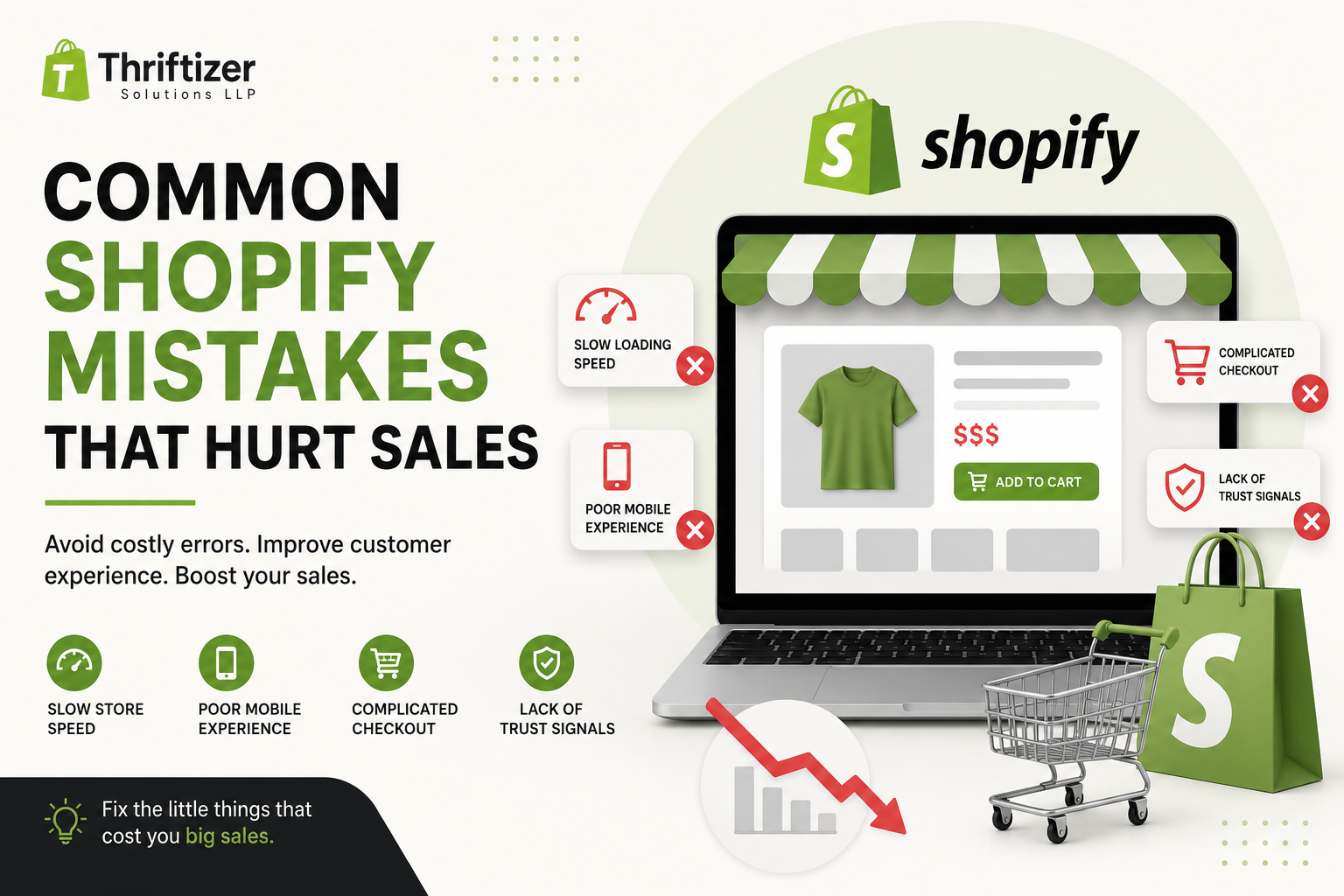
Launching a Shopify store is exciting, but getting visitors is only half the battle. The real challenge is converting those visitors into customers. Many store owners spend heavily on ads, SEO, or social media, only to discover that people leave without making a purchase.
The problem often isn't your products—it's your store experience.
Small issues can quietly reduce conversions every day. The good news? Most of them are easy to identify and fix.
Let's look at the most common Shopify mistakes that hurt sales and what you can do instead.
1. Slow Store Speed
People expect websites to load almost instantly. If your Shopify store takes too long, visitors may leave before they even see your products.
Common causes include:
- Oversized images
- Too many third-party apps
- Heavy themes
- Unoptimized custom code
How to fix it
- Compress images before uploading.
- Remove apps you no longer use.
- Choose a lightweight Shopify theme.
- Review custom scripts regularly.
Even a small improvement in page speed can increase conversions and reduce bounce rates.
2. Poor Mobile Experience
Most Shopify traffic now comes from smartphones. If your store isn't easy to browse on mobile, you're losing customers.
Watch out for:
- Tiny buttons
- Difficult navigation
- Slow mobile loading
- Broken layouts
- Hard-to-read text
How to fix it
Always test your store on multiple devices.
Check:
- Product pages
- Collection pages
- Cart
- Checkout
- Search function
If shopping feels difficult on a phone, customers won't stick around.
3. Weak Product Descriptions
Many stores rely on manufacturer descriptions or write only a few generic sentences.
Customers want answers before they buy.
Instead of writing:
High-quality cotton T-shirt.
Explain:
- Material
- Fit
- Benefits
- Care instructions
- Size guidance
- Why it's worth buying
Helpful descriptions improve both customer confidence and search visibility.
4. Low-Quality Product Images
Online shoppers can't touch your products.
Your images do all the selling.
Use:
- Multiple angles
- Zoom capability
- Lifestyle photos
- Close-up details
- Consistent backgrounds
Videos showing products in use can also increase buyer confidence.
5. Complicated Navigation
If customers struggle to find products, they often leave instead of searching longer.
Avoid:
- Too many menu items
- Confusing categories
- Hidden collections
- Poor search functionality
Keep menus simple and organize products logically.
Your visitors should reach any product within just a few clicks.
6. Too Many Pop-ups
Pop-ups can collect emails, but using several at once creates frustration.
Examples include:
- Newsletter pop-up
- Discount pop-up
- Cookie notice
- Chat window
- Exit intent offer
Instead of helping, they overwhelm visitors.
Use pop-ups strategically and only when they provide real value.
7. No Trust Signals
Customers hesitate when they aren't sure if a store is trustworthy.
Build confidence with:
- Customer reviews
- Secure payment badges
- Clear return policy
- Contact information
- Shipping details
- Business information
Trust reduces purchase anxiety.
8. Hidden Shipping Costs
Unexpected shipping charges remain one of the biggest reasons shoppers abandon their carts.
Be transparent.
Display:
- Shipping rates
- Delivery estimates
- Free shipping thresholds
- Return costs
Customers appreciate knowing the total cost upfront.
9. Difficult Checkout Process
Every extra step increases the chance of losing a sale.
Avoid forcing customers to:
- Create an account
- Fill unnecessary fields
- Complete lengthy forms
Keep checkout fast and simple.
Enable guest checkout whenever possible.
10. Ignoring Shopify Analytics
Many store owners guess what's wrong instead of using data.
Shopify provides valuable insights into:
- Best-selling products
- Conversion rates
- Cart abandonment
- Customer behavior
- Traffic sources
Review your analytics regularly to identify problems before they affect revenue.
11. Installing Too Many Apps
Apps add useful features, but installing dozens of them can slow your store and create conflicts.
Ask yourself:
- Do I actually use this app?
- Does another app already provide the same feature?
- Is there a simpler solution?
Regular app audits help maintain a faster, cleaner Shopify store.
12. Weak Search and Filtering
Customers often know exactly what they're looking for.
If your search doesn't return accurate results, they'll leave.
Improve your store by adding:
- Smart search
- Product filters
- Price filtering
- Size filters
- Brand filters
- Color options
Better product discovery leads to higher sales.
13. No Clear Call-to-Action
Visitors shouldn't have to guess what to do next.
Buttons like "Add to Cart," "Buy Now," or "Shop Collection" should stand out clearly.
Avoid cluttering pages with multiple competing actions.
Guide customers naturally toward completing their purchase.
14. Poor SEO Setup
A beautiful Shopify store won't generate organic traffic if search engines can't understand it.
Basic SEO improvements include:
- Unique page titles
- Compelling meta descriptions
- Proper heading structure
- Optimized image alt text
- Internal links
- Clean URLs
Good SEO helps customers discover your products through search engines while improving the overall user experience.
15. Never Testing or Improving
Successful Shopify stores evolve continuously.
Run regular tests on:
- Product pages
- Pricing
- Images
- Headlines
- Checkout flow
- Promotional banners
Small improvements made consistently often produce significant increases in conversion rates over time.
Quick Shopify Health Checklist
Before investing more in advertising, review these essentials:
- Fast loading pages
- Mobile-friendly design
- High-quality product images
- Detailed product descriptions
- Simple navigation
- Transparent shipping information
- Easy checkout
- Customer reviews
- Optimized SEO
- Regular analytics monitoring
- Limited unnecessary apps
- Clear calls-to-action
If several of these need improvement, fixing them may deliver better results than increasing your marketing budget.
Final Thoughts
Driving traffic to your Shopify store is only part of the equation. Converting that traffic into sales depends on how easy, trustworthy, and enjoyable your shopping experience feels.
Many of the biggest conversion killers are surprisingly simple to fix. Faster pages, better product content, cleaner navigation, transparent policies, and a friction-free checkout all contribute to higher sales and happier customers.
At Thriftizer Solutions LLP, we help businesses build, optimize, and grow Shopify stores that don't just attract visitors—they convert them into loyal customers. Whether you need Shopify store setup, theme development, speed optimization, conversion rate improvements, or ongoing growth support, our team focuses on practical solutions that deliver measurable results.