

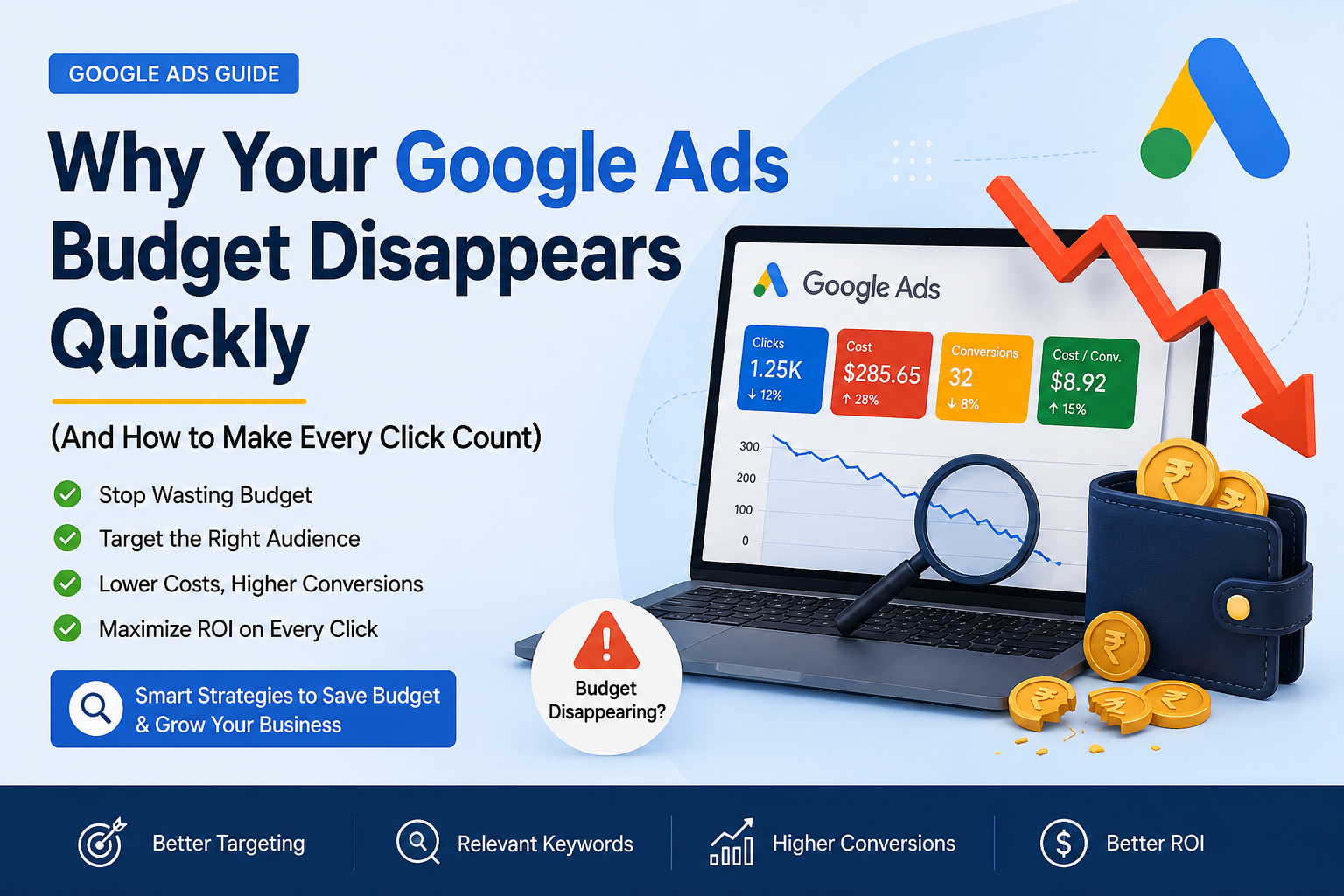
If your Google Ads budget seems to vanish before the day is over, you're not alone. In most cases, the issue isn't your budget—it's how your campaigns are set up and optimized. Improving targeting, bidding, keywords, and landing pages can help you get more clicks, better leads, and a stronger return on every advertising dollar.
Is Your Google Ads Budget Running Out Too Fast?
Many businesses launch Google Ads expecting a steady flow of leads, only to discover that their daily budget is exhausted within hours. The result is fewer impressions later in the day, missed opportunities, and disappointing conversions.
A disappearing budget doesn't always mean you need to spend more. More often, it points to inefficiencies within your campaigns. By identifying what's draining your budget, you can improve performance without increasing ad spend.
Let's look at the most common reasons your Google Ads budget disappears quickly and what you can do about them.
1. You're Targeting Keywords That Are Too Broad
Broad keywords often attract people who aren't ready to buy or whose searches don't match your products or services.
For example, if you sell premium office furniture, bidding on a keyword like "office desk" could trigger ads for users looking for DIY ideas, cheap desks, or even repair services.
Instead:
- Focus on high-intent keywords.
- Use phrase match or exact match where appropriate.
- Group similar keywords into tightly themed ad groups.
More relevant keywords usually lead to better-quality traffic and less wasted spend.
2. You're Missing Negative Keywords
Negative keywords tell Google when not to show your ads.
Without them, your ads may appear for irrelevant searches that generate clicks but never convert.
For example, if you sell paid software, you might exclude terms such as:
- Free
- Jobs
- Internship
- Tutorial
- Download
Review your Search Terms Report regularly to identify irrelevant queries and expand your negative keyword list.
3. Your Bidding Strategy Doesn't Match Your Goals
Choosing the wrong bidding strategy can cause Google to spend your budget aggressively without producing meaningful results.
If you're just starting out, avoid relying entirely on automated bidding before you have enough conversion data.
Instead:
- Match your bidding strategy to your campaign objective.
- Monitor cost per conversion instead of only clicks.
- Test different bidding options before scaling.
The goal isn't simply more traffic—it's profitable traffic.
4. Low Quality Score Is Increasing Your Costs
Google rewards relevant ads with lower costs.
A low Quality Score often means you're paying more for each click than necessary.
Quality Score depends on:
- Keyword relevance
- Ad copy relevance
- Landing page experience
- Expected click-through rate
Improving these factors can reduce your cost per click while increasing ad visibility.
5. Your Audience Targeting Is Too Broad
Showing ads to everyone usually means paying for people who were never likely to convert.
Refine your targeting by considering:
- Geographic location
- Device type
- Time of day
- Audience interests
- Previous website visitors
A more focused audience often delivers higher conversion rates while reducing wasted budget.
6. Your Landing Page Isn't Converting
Getting clicks is only half the job.
If visitors leave your website without taking action, every click becomes more expensive.
A high-performing landing page should include:
- A clear headline
- Fast loading speed
- Mobile-friendly design
- Strong call-to-action
- Trust signals such as reviews and testimonials
- Simple forms with minimal friction
Even small improvements in conversion rate can significantly reduce your overall cost per acquisition.
7. You're Ignoring Campaign Performance Data
Google Ads provides valuable insights, but many advertisers rarely review them.
Monitor key metrics like:
- Click-through rate (CTR)
- Cost per click (CPC)
- Conversion rate
- Cost per conversion
- Search impression share
- Return on ad spend (ROAS)
Regular optimization helps prevent your budget from being spent on underperforming campaigns.
8. You're Running Ads All Day Without Scheduling
Not every hour generates the same results.
If your audience mostly converts during business hours, running ads overnight could waste part of your budget.
Use ad scheduling to:
- Pause ads during low-performing hours.
- Increase bids during peak conversion periods.
- Allocate budget to your most profitable times.
Small scheduling adjustments can make a noticeable difference.
9. You're Not Testing Your Ads
Many advertisers create one ad and never revisit it.
Testing multiple headlines, descriptions, and calls to action helps identify what resonates with your audience.
Regular A/B testing can improve:
- Click-through rate
- Conversion rate
- Quality Score
- Cost efficiency
Continuous testing is one of the simplest ways to improve campaign performance over time.
10. Your Campaign Has Never Been Audited
Even successful campaigns develop inefficiencies as competition, customer behavior, and Google's algorithms evolve.
A professional Google Ads audit can uncover:
- Wasted ad spend
- Poor keyword targeting
- Weak ad copy
- Conversion tracking issues
- Budget allocation problems
- Missed optimization opportunities
Finding these issues early can significantly improve your advertising ROI.
Best Practices to Stretch Your Google Ads Budget
If you want your budget to last longer while generating more leads, follow these proven practices:
- Choose high-intent keywords.
- Build a strong negative keyword list.
- Improve Quality Score.
- Optimize landing pages.
- Monitor campaigns weekly.
- Test new ad variations regularly.
- Use audience targeting effectively.
- Track conversions accurately.
- Review bidding strategies frequently.
Consistent optimization often delivers better results than simply increasing your budget.
Final Thoughts
A disappearing Google Ads budget is usually a symptom of campaign inefficiencies—not necessarily a sign that you need to spend more.
With better keyword targeting, stronger landing pages, smarter bidding, and regular optimization, you can reduce wasted spend and generate more valuable leads from the same budget.
If your campaigns aren't delivering the results you expect, it may be time for a fresh perspective.
Get a Free Google Ads & Store Audit
Not sure where your advertising budget is going?
Thriftizer Solutions offers a Free Store Audit to help identify hidden performance issues affecting your Google Ads and ecommerce store. We'll review your campaigns, landing pages, conversion journey, and growth opportunities, then provide practical recommendations to improve ROI and reduce wasted ad spend.
Whether you're running a Shopify store or another ecommerce business, a professional audit can help you turn more clicks into customers.