

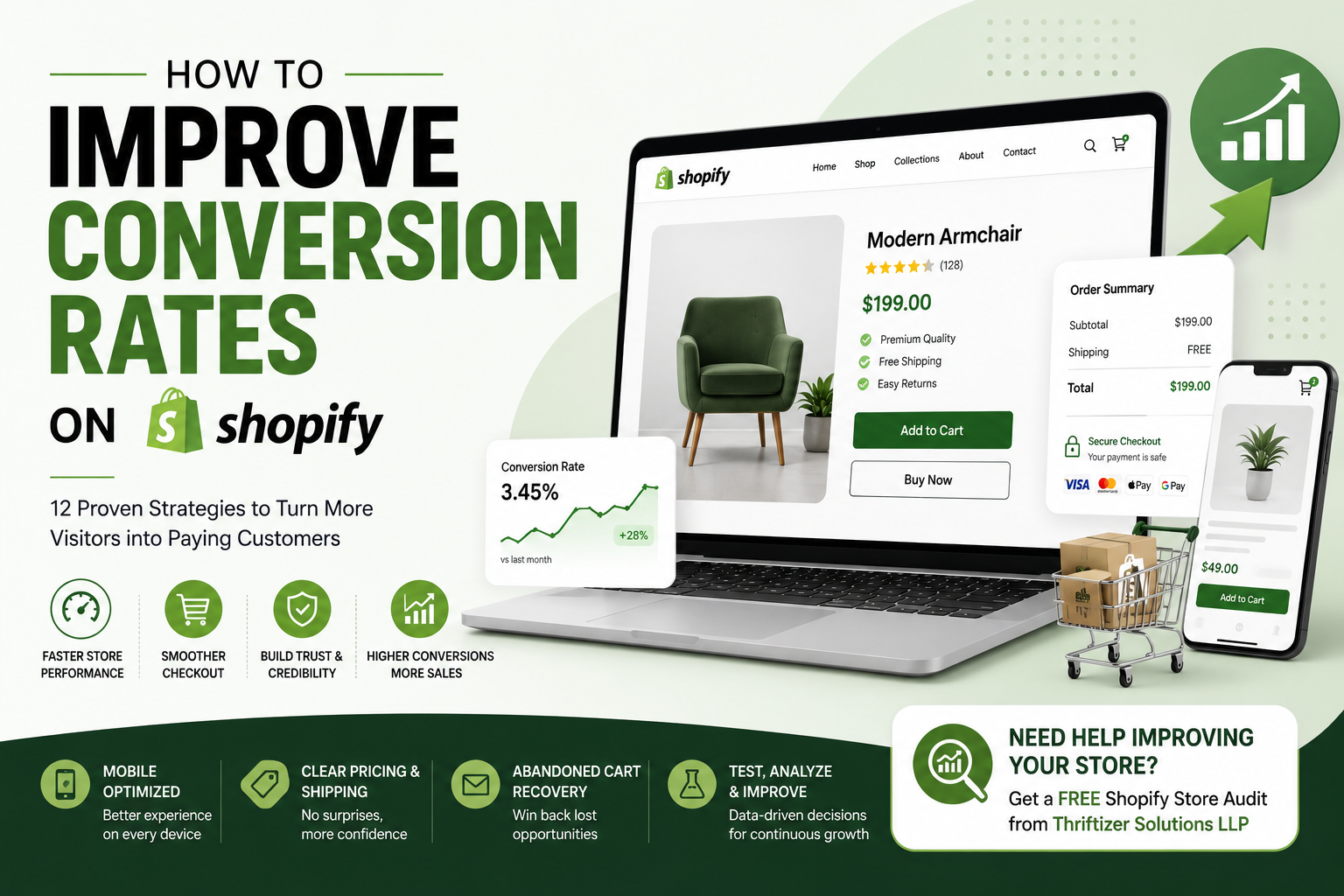
Getting people to visit your Shopify store is only half the battle. The real challenge is convincing them to make a purchase. Improving your conversion rate doesn't always require a complete redesign, small changes to your store, checkout, and customer experience can make a noticeable difference and help you generate more sales from the traffic you already have.
Also Read: Shopify Store Checklist
What Is a Shopify Conversion Rate?
Your conversion rate is the percentage of visitors who complete a desired action, usually making a purchase.
For example, if 1,000 people visit your store and 30 place an order, your conversion rate is 3%.
While there's no perfect number for every business, increasing your conversion rate means you're getting more value from your existing traffic. Instead of spending more on ads to attract new visitors, you focus on helping more of the people already on your site become customers.
Why Visitors Leave Without Buying
Many shoppers don't leave because they dislike your products. They leave because something interrupts their buying journey.
Common reasons include:
- Slow-loading pages
- Confusing navigation
- Complicated checkout
- Hidden shipping costs
- Lack of trust
- Poor product descriptions
- Limited payment options
- Weak mobile experience
The good news is that most of these issues can be fixed with thoughtful improvements.
1. Speed Up Your Shopify Store
Nobody enjoys waiting for a website to load.
Even a few extra seconds can cause visitors to leave before they view a product. Compress images, remove unnecessary apps, use lightweight themes, and regularly review your store's performance.
A faster website creates a smoother shopping experience and often leads to better conversions.
2. Make Navigation Simple
Customers should be able to find products in just a few clicks.
Use clear menu labels, organize products into logical collections, and include a search bar that works well. If shoppers feel lost, they'll often leave instead of continuing to browse.
Think about your navigation from the customer's perspective rather than your own.
3. Write Product Descriptions That Answer Questions
A product description should help customers make a confident buying decision.
Instead of listing technical features, explain how the product solves a problem or improves everyday life.
Cover details like:
- Materials
- Dimensions
- Care instructions
- Compatibility
- Delivery information
- What's included
The fewer unanswered questions customers have, the more comfortable they'll feel purchasing.
4. Use Better Product Images
Online shoppers can't touch or try your products.
Your images need to do the work for you.
Include multiple photos from different angles, close-up shots, lifestyle images, and, when possible, short product videos. This helps customers understand exactly what they're buying and reduces uncertainty.
5. Build Trust Throughout Your Store
People buy from businesses they trust.
Simple trust-building elements can have a big impact, including:
- Customer reviews
- Verified testimonials
- Secure checkout badges
- Clear return policy
- Contact information
- Frequently asked questions
Being transparent makes customers feel more confident about placing an order.
6. Simplify the Checkout Process
Every extra step during checkout gives customers another opportunity to leave.
Keep checkout as simple as possible by reducing unnecessary form fields, offering guest checkout, and supporting popular payment methods.
The goal is to make completing a purchase feel quick and effortless.
7. Be Clear About Shipping Costs
Unexpected shipping fees are one of the biggest reasons shoppers abandon their carts.
Display shipping information early in the buying journey instead of waiting until checkout.
If you offer free shipping above a certain order value, highlight it clearly on product pages and in the cart.
8. Optimize for Mobile Shoppers
A large share of ecommerce traffic comes from smartphones.
Test your store regularly on different screen sizes to make sure buttons are easy to tap, text is readable, and pages load quickly.
A great desktop experience won't matter if mobile users struggle to browse or check out.
9. Offer Multiple Payment Options
Customers have different payment preferences.
Supporting credit cards, digital wallets, UPI, Buy Now Pay Later options, and other trusted payment methods can remove friction at checkout.
The easier it is to pay, the more likely customers are to complete their purchase.
10. Recover Abandoned Carts
Not every shopper who leaves is gone for good.
Many people simply get distracted or need more time to decide.
Use automated abandoned cart emails to remind customers about the products they viewed. A friendly reminder, combined with helpful information or a limited-time offer, can bring shoppers back to complete their purchase.
11. Reduce Distractions
Too many pop-ups, banners, animations, or promotional messages can overwhelm visitors.
Focus each page on one clear goal.
If someone is viewing a product, make it easy to learn about the item and add it to the cart without unnecessary interruptions.
Sometimes, less really is more.
12. Test, Measure, and Improve
Conversion optimization isn't something you do once.
Continue testing different headlines, product images, button text, page layouts, and promotional offers to see what works best for your audience.
Use analytics tools to understand where visitors leave your site and look for patterns you can improve over time.
Small changes made consistently often produce the biggest long-term results.
Common Conversion Mistakes to Avoid
Even well-designed Shopify stores can lose sales because of a few overlooked issues.
Watch out for:
- Slow page speed
- Blurry product photos
- Difficult navigation
- Hidden shipping charges
- Complicated checkout
- Missing trust signals
- Outdated content
- Broken links
- Too many apps affecting performance
Regularly reviewing your store helps you spot these issues before they impact sales.
Final Thoughts
Improving your Shopify conversion rate isn't about using clever tricks or pressuring customers into buying. It's about making shopping easier, faster, and more reassuring from the moment someone lands on your store until they complete their purchase.
Start by fixing the basics, speed, navigation, product pages, mobile usability, and checkout. Once those foundations are in place, continue testing and refining your store based on real customer behavior. Over time, these small improvements can lead to more sales, happier customers, and stronger business growth.
Not sure what's holding your store back? Thriftizer Solutions LLP offers a Free Shopify Store Audit to help identify conversion roadblocks, performance issues, and opportunities to improve your customer experience. You'll receive practical recommendations that can help turn more visitors into paying customers.