

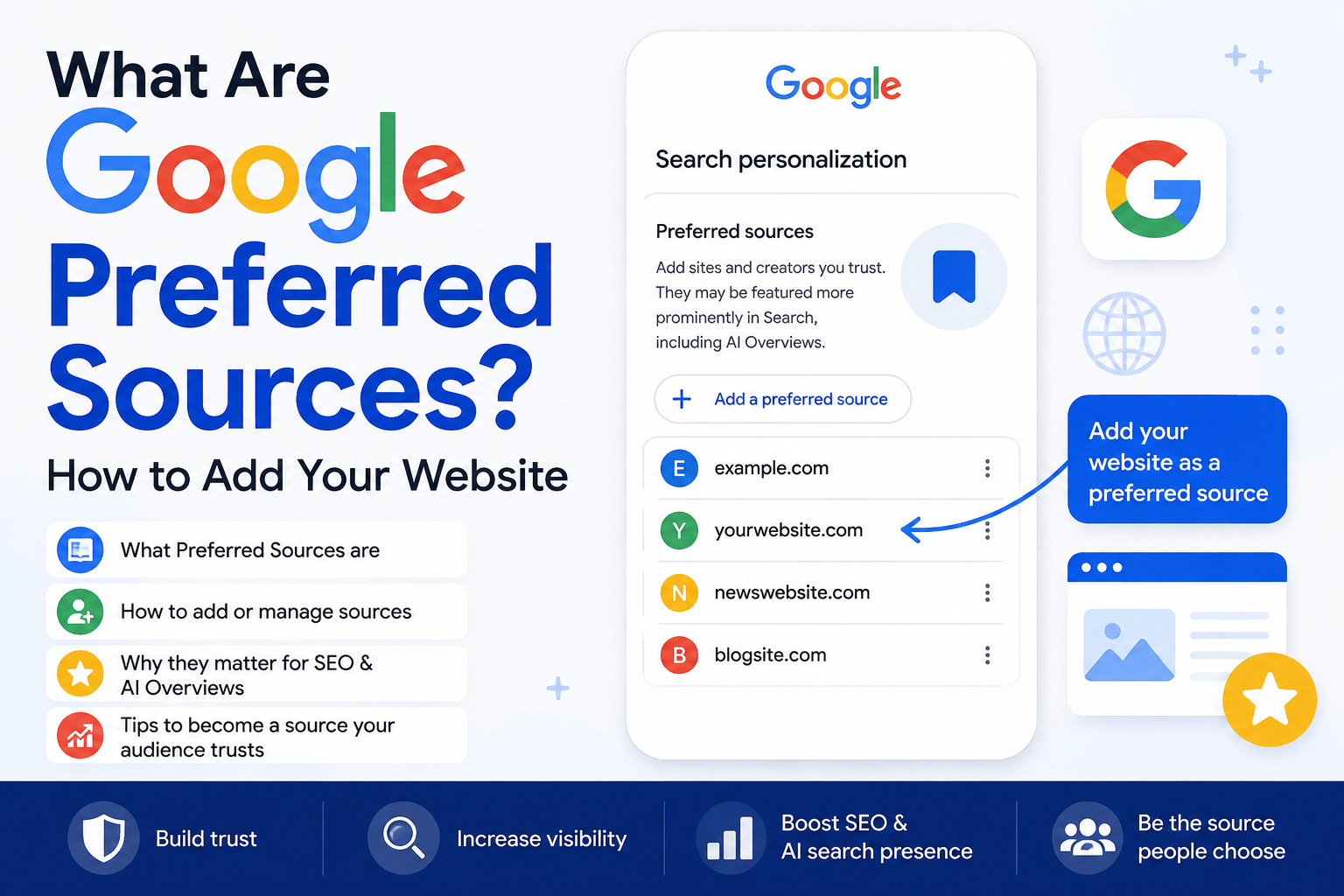
Google Preferred Sources is a Search setting that lets a reader nominate specific publishers and then see more of those publishers' articles in Top Stories. Google rolled it out in August 2025 for English users in the US and India. From your side as a site owner, there is no application form, no submission portal and no ranking lever. Either your site is already eligible to appear in Top Stories, in which case readers can find you in the picker and add you, or it isn't, in which case nothing you do on your Shopify store will make you show up there.
That is the whole feature in one paragraph. The rest of this post is about whether it deserves an hour of your time, and what that hour should be spent on.
What Google Preferred Sources actually does
When a search query triggers Top Stories, there's a small icon in the corner of that block. Tapping it opens a list of publishers covering the topic, with checkboxes. A reader ticks the ones they trust. After that, those publishers get shown more often in Top Stories for that reader, and Google also surfaces a separate block of recent articles from the sources they picked.
It's personalisation, set by the user, applied to one surface. It does not touch the standard ten blue links. It does not touch Shopping, Images, or your product pages. A reader who has added you as a preferred source will still see your competitor's collection page ranking above yours for a commercial query, because that has nothing to do with this setting.
Who can be added as a preferred source
The gate is Top Stories eligibility. Google's news surfaces draw from sites that publish timely, original reporting or commentary and follow its news content policies. There is no separate Google News submission any more; if you meet the bar, you get crawled and considered automatically.
Practically, that rules out most D2C stores. A skincare brand publishing two ingredient explainers a month is not going to appear in Top Stories for anything, so it will never appear in anyone's source picker. We've had founders send us screenshots of the picker asking why their brand isn't listed. The answer is usually that they don't publish news, and Top Stories only exists for queries where Google has decided news is the right answer.
The quick test costs thirty seconds. Search a topic you cover, in an incognito window, on mobile, where you'd expect Top Stories to fire. If the block appears, open the picker and type your brand name. If you're there, readers can add you. If you're not, skip to the section on getting into Top Stories in the first place, or skip the whole thing.
How to add your website as a preferred source
Assuming you passed the test above, the mechanics are short:
- Confirm the name Google shows. The picker uses your site name, which Google derives from your homepage markup, your WebSite structured data and how the web refers to you. If it's showing "Blogs — Brand Name" or a truncated store title, fix your site name signals first. Readers won't tick a checkbox for something they don't recognise.
- Grab the shareable link. Google publishes a publisher guide for this feature with a link that opens the picker with your site pre-selected. Take the current format from Google's own documentation rather than copying one you found on a forum, because the parameter has changed once already.
- Put it where readers already are. A single line at the top of your blog article template. One line in the footer of your newsletter. A pinned post if you have a real audience on one channel. Not a popup.
- Ask once, then stop. The people who will do this are your existing readers. Asking cold traffic to make you a preferred source is a request from a stranger and it converts accordingly.
On Shopify, step three is a snippet in article-template.liquid or a custom Liquid block in the theme editor, wrapped so it only renders on blog articles. Ten minutes if your theme is clean.
The arithmetic, before you get excited
Run the numbers before you brief anyone.
Say you have a 25,000-person email list and you put the link in the footer of a weekly send. A footer link on a newsletter converts poorly; 2% of engaged readers acting on it over a few months would be a good outcome. That's 500 people who have added you.
Each of those people might see your articles in Top Stories eight times a month, which is generous. At a 6% click-through rate on a Top Stories slot, that's 500 × 8 × 0.06 = 240 sessions a month. If your blog converts at 1.4% and your AOV is ₹2,200, you get 240 × 0.014 = 3.36 orders, or about ₹7,400 a month.
Seven thousand rupees a month for an hour of work is a fine trade. Seven thousand rupees a month is also not a content strategy, and if anyone pitches you a retainer built around this feature, that's your answer. Do it because it's cheap, not because it's big.
What actually gets you into Top Stories
This is the part that matters, and it's the part nobody wants to hear, because it's slower.
Publish on a beat. Google's news systems reward sites that cover a subject repeatedly and recently, not sites that produce one long guide a quarter. Two or three genuinely timely pieces a week on a narrow topic beats twenty scattered posts.
Get your dates right. Shopify sets published_at when you publish and updated_at when you save. If your team edits old posts in bulk, you will end up telling Google that a two-year-old article was updated this morning, which is the kind of signal that quietly costs you news eligibility. Only surface dateModified when the edit was substantive.
Name your authors, and give them a real page with a real bio and links out to whatever else they've written. An article with no byline is a weak candidate for a surface built on trust.
Be fast on mobile. Top Stories is overwhelmingly a phone surface, often on a patchy connection. AMP hasn't been required for years, but the underlying performance bar didn't go away. If your article template is loading a review widget, a sticky cart drawer and three tracking scripts before the first paragraph renders, you're competing for a slot against publishers whose article pages are almost nothing but text. We usually find the biggest win on Shopify blog templates is simply not loading the product-page app stack on article URLs. If you want the score measured and watched rather than guessed at, SwiftStore handles the scanning and monitoring side, and our speed work covers the theme surgery underneath it.
Where Shopify blogs fall down
Most themes we open emit BlogPosting microdata on the article template and stop there. Missing publisher logo, missing dateModified, author as a plain string rather than an entity, no image with proper dimensions. It validates, technically. It also tells Google very little.
Two Shopify-specific irritations worth knowing about. First, the URL structure: everything sits under /blogs/handle/article, and if you've got four blogs with overlapping topics you're splitting your topical signal for no reason. Consolidate. Second, Shopify generates sitemap_blogs_1.xml automatically and you can't hand-tune it, so freshness comes from actually publishing rather than from sitemap tricks. Fine, but it means there's no shortcut.
If you're building an editorial operation on Shopify properly, the structured data and template work is a day or two of development, not a plugin. We cover the ongoing side of that in SEO and content.
The cases where this is worth real effort
Three types of store where Top Stories eligibility is genuinely reachable.
Price-driven categories. Jewellery is the clearest one in India. "Gold rate today" queries in Chennai, Kochi, Hyderabad and Mumbai pull news results all day, and retailers who publish a genuine daily rate page with city-level breakups do compete there. If you're going down that road, the rate on the page has to be live and correct, because a stale number is worse than no page. That's the problem our Gold & Silver Live Rate app was built for: live spot rates on the storefront, automatic repricing, and a breakup showing metal, making charge, wastage and GST so the number on the article matches the number at checkout.
Brands with an actual masthead. A few D2C companies run publications with editors and a publishing calendar. If that's you, this is a feature for you, not for your store.
Regulated or fast-moving categories. Supplements and packaged food where FSSAI rules shift, or anything where import duty and GST changes affect pricing. Timely, useful, and nobody else is covering it from the operator's side.
Everyone else: write the buying guides, rank in the normal results, and let this one go.
What it won't do
It won't lift your rankings. Preferred sources is applied per user, after the ranking, on one block. There's no aggregate signal you can farm by getting a thousand people to add you.
It won't help during a festive sale. Top Stories doesn't fire on transactional queries, so Diwali traffic to your collection pages is unaffected either way.
And it won't survive a reader who regrets the choice. The picker has checkboxes in both directions. Publish clickbait to exploit the slot and people will untick you, which is a cleaner feedback loop than most of what Google ships.
The one-hour version
Check the picker on mobile for a query you'd expect to rank for. If your brand appears, add the link to your article template and your next newsletter, and move on with your day. If it doesn't appear, the useful work is upstream: fix the article schema, get the dates honest, strip the app scripts off your blog template, and decide whether you're actually going to publish on a beat or not.
If you'd rather have someone else look at the blog template and tell you which of those is costing you the most, our free audit covers it.