

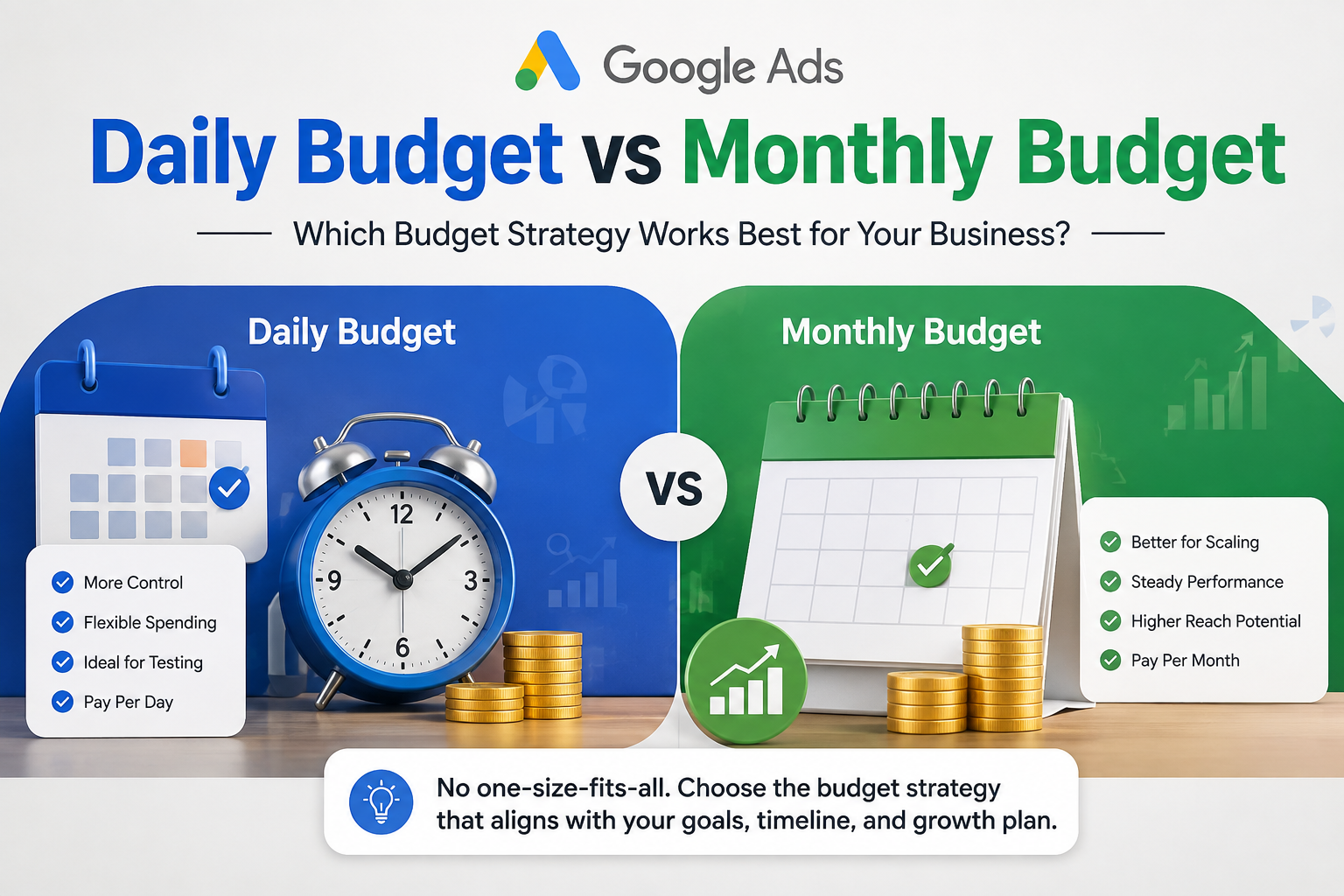
Open the campaign settings in Google Ads and you'll notice it only ever asks for one thing: a daily budget. There's no "monthly budget" field anywhere in the interface. Yet almost every store owner thinks in monthly terms, because that's how the rest of the business runs — you set aside a marketing budget for the month, not the day. So how do these two ideas actually connect, and does it matter which one you plan around?
It does, and the difference trips up more accounts than you'd expect.
What Google Ads actually means by "daily budget"
When you set a daily budget, you're not setting a hard ceiling. Google allows campaigns to spend up to twice the daily budget on any given day, as long as the average spend across the month doesn't exceed daily budget times the number of days in that month. So if you set ₹2,000 a day, Google might spend ₹3,500 on a Tuesday when auction competition is low and cheaper clicks are available, then pull back to ₹800 later in the week to balance it out.
This confuses a lot of people the first time they see it happen. It's not a bug — Google calls this "spend smoothing," and it's designed to catch good opportunities as they come up rather than shutting the campaign off the second a fixed number is hit.
So where does the monthly number come in?
Your monthly budget is really just daily budget multiplied by roughly 30.4 — Google's average days-per-month figure. If you want to spend ₹1,50,000 in a month, you'd set your daily budget around ₹4,900. That's the extent of the relationship. There's no separate monthly setting to fill in, no monthly cap you can toggle on directly in the campaign itself.
Where monthly thinking becomes genuinely useful is in planning, not in the settings panel. It's how you should be deciding your overall spend based on margins and cash flow, covered in more detail in what a good daily budget for Google Ads actually looks like. The monthly figure is your business planning number. The daily figure is the operational lever Google actually uses.
Why daily budgets matter more than they seem to
Because Shopping and Performance Max campaigns need consistent data flow to optimise, a daily budget that's too low causes real damage even if your monthly total looks fine on a spreadsheet. Say you want to spend ₹90,000 this month. If you set the daily budget at ₹3,000 evenly, the algorithm gets a steady stream of impressions and conversions every day to learn from. But if you instead try to "save" budget early in the month and dump most of it into the last ten days, you'll likely see worse performance overall — the algorithm never gets a full, uninterrupted learning window.
This is the part most people miss: smoothing spend evenly across the month usually outperforms lumpy spending, even when the total rupee amount is identical.
When it makes sense to think monthly anyway
There are a few situations where planning around a monthly figure genuinely helps:
- Seasonal spikes. If you know a sale event is coming in three weeks, it often makes sense to under-spend slightly early in the month and shift more budget toward the sale window, rather than spreading it perfectly evenly.
- Multi-campaign accounts. When you're running Search, Shopping, and PMax together, thinking in a monthly pool helps you decide how much each campaign type deserves, then you convert that down into daily numbers per campaign.
- Cash flow planning. Finance teams and founders naturally think in months. Setting a monthly ceiling in your head, even if Google itself doesn't enforce one, keeps ad spend from creeping past what the business can absorb.
This kind of split-brain planning — monthly for the business, daily for the platform — is exactly the kind of structural work we do when we take over an account at Thriftizer's Google Ads management. Getting the daily number wrong is one of the quieter ways budgets get wasted, alongside feed issues and PMax absorbing branded traffic that would have converted anyway.
Budget isn't the only lever
It's worth remembering that neither a daily nor a monthly number fixes a weak landing page. You can get the budget pacing exactly right and still lose money if visitors land on a slow page or a confusing checkout. If your ad spend feels like it's disappearing without matching sales, it's worth checking what happens after the click — that's where conversion rate optimisation usually finds the bigger win.
The short version
Google Ads only lets you set a daily budget, and it will flex that number up or down day to day to hit a monthly average. Think in monthly terms for planning your overall spend and cash flow, but set your daily number carefully and keep it steady, since that consistency is what actually helps campaigns learn and perform. Chasing a monthly total by spending unevenly usually costs you more in the long run than it saves.
Not sure if your current budget split is working for or against you? Thriftizer's free store audit looks at your account structure, feed and tracking setup and tells you exactly what's worth fixing first — no obligation either way.
FAQs
Can I set a monthly budget directly in Google Ads? No. Google Ads campaigns only have a daily budget field. Any monthly figure you're working with is simply your daily budget multiplied by the number of days in that month.
Why did Google spend more than my daily budget in one day? This is normal and called spend smoothing. Google allows spend up to double your daily budget on any single day, then balances it out with lower-spend days so your monthly average lines up with what you set.
Is it better to spread my budget evenly or save it for a big sale later in the month? For most ongoing campaigns, even daily spending performs better because it gives the algorithm a steady stream of data to optimise against. Saving budget for a specific event, like a seasonal sale, is the main exception where uneven spending makes sense.
Will changing my daily budget frequently hurt performance? Yes, frequent or large changes can reset parts of the algorithm's learning, often causing a temporary rise in cost per click. Small, gradual adjustments — around 15 to 20% at a time — tend to cause less disruption.
How do I decide my monthly ad budget in the first place? Work backwards from your margins and cost per conversion rather than picking a round number. A full breakdown of how to land on the right figure is covered in what a good daily budget for Google Ads looks like.
Read also: