

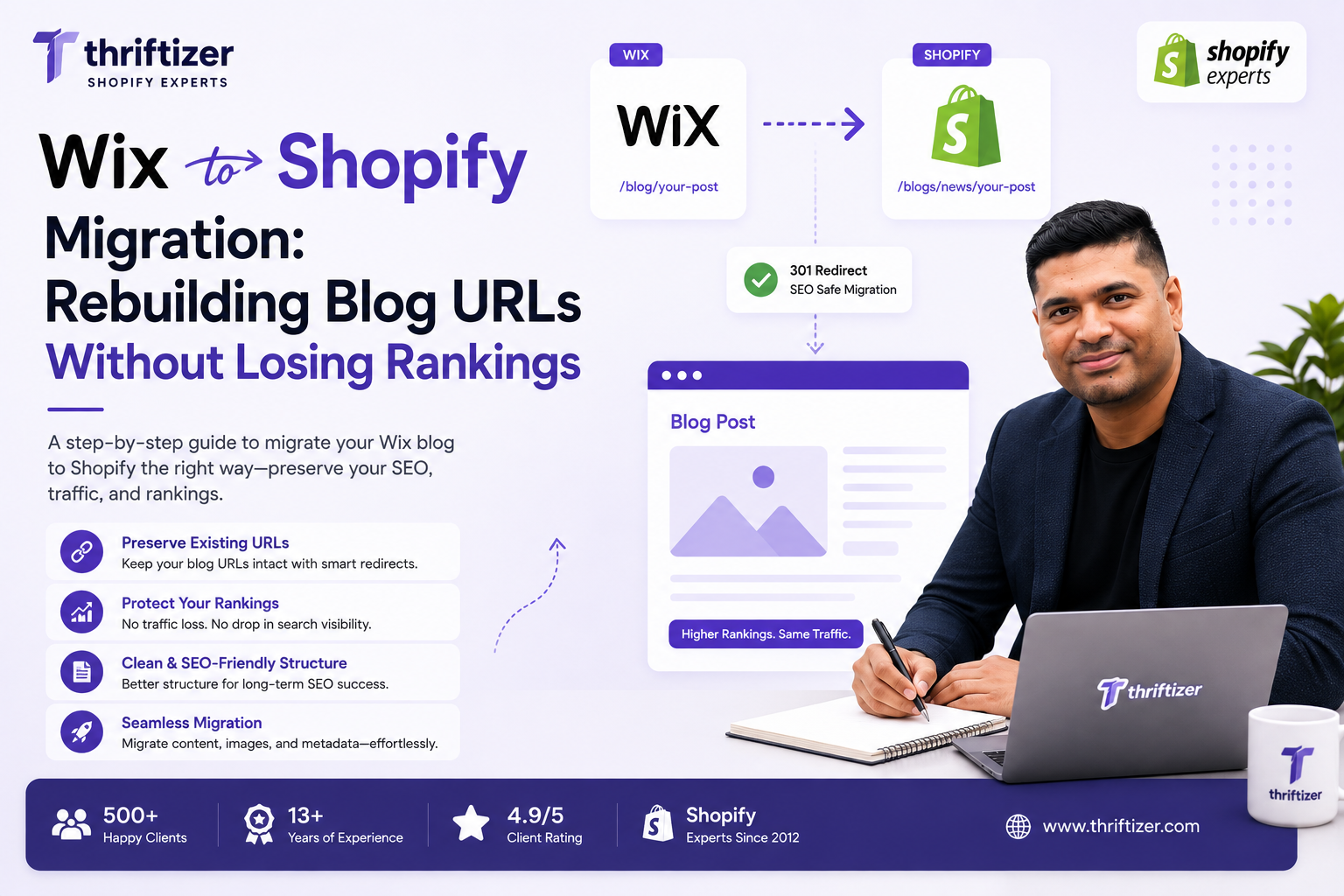
Wix serves every blog post at yourdomain.com/post/slug. Shopify can't. Articles live at yourdomain.com/blogs/{blog-handle}/{article-handle} and there is no setting, theme edit or app that changes that. So a Wix to Shopify migration means every published post gets a new URL and needs a 301 — and those redirects have to be sitting in Shopify before you point the domain, because the second DNS resolves to Shopify, the Wix site is no longer serving anything and can't redirect a thing.
That one sequencing detail is where most of the lost traffic comes from. Not the platform. Not the theme. A redirect file that got uploaded on Tuesday when the domain flipped on Monday.
What Wix actually hands you on export
Product data out of Wix is dull and predictable. Blog content is not.
Wix stores post bodies in its own structured rich-content format, not clean HTML. When you pull an export, you get the text and the structure, but the things authors love — image galleries, video embeds, dividers, buttons, quote blocks, product widgets — either come across as raw fragments or don't come across at all. The RSS feed at /blog-feed.xml is the other common route, and it gives you the recent slice of the archive rather than the whole thing. Fine for a blog that started last year. Useless for one with six years of posts.
Then there's what isn't in the export at all, or is unreliable enough that we always verify by hand:
- SEO title and meta description, which are stored separately from the post body
- Canonical tags anyone set manually
- Publish dates on older posts, which sometimes come through as the export date
- Author attribution beyond a display name
- Alt text on images
Budget for reconstruction, not just import. On the sites we handle, a straightforward text-and-two-images post takes eight to fifteen minutes to clean up after the bulk import. A long-form guide with a gallery, three embeds and a table takes closer to forty-five. We get the formatting wrong on the first pass for maybe a third of image-heavy posts and go back through them.
Prune before you port
Nobody wants to hear that a quarter of their blog should be deleted. Do the arithmetic anyway.
Take a blog with 214 published posts. Pull 16 months of Search Console data, export it, sort by clicks. Say 41 posts account for 3,900 of 4,800 total blog clicks — 81%. Those 41 get individual attention: exact content parity, meta title and description carried across word for word, internal links rebuilt, images rehosted at full resolution, redirect verified by hand.
Now look at the tail. Say 96 posts have zero clicks across the full 16 months and no referring domains pointing at them. Those don't need migrating. Redirect each one to the closest relevant surviving post and leave them out of the import.
118 posts to clean up at twelve minutes each is roughly 24 hours. All 214 is 43 hours. You've saved nineteen hours of someone's time and lost nothing that was earning. The rule we apply: no clicks, no links, no commercial relevance, no import. What you must not do is redirect the whole tail to the homepage — Google reads bulk homepage redirects as soft 404s and you get the worst of both worlds.
Building the redirect map for a Wix to Shopify migration
Shopify takes bulk redirects as a CSV in Online Store → Navigation → URL Redirects. Two columns: the path you're redirecting from, the path you're sending it to. Both relative, both starting with a slash.
The mapping itself is mechanical for standard posts:
- /post/how-to-clean-silver → /blogs/news/how-to-clean-silver
Where it stops being mechanical:
Slug mismatches. Wix appends a numeric suffix when two posts share a title. Shopify's handle rules differ — length, trailing hyphens, non-Latin characters. Any slug that changes during import breaks the redirect silently, because the redirect points at a URL that now 404s. Diff the two slug lists in a spreadsheet before you upload. It takes twenty minutes and catches things nothing else will.
Shopify refuses redirects from paths that already resolve. If a path matches an existing page, product or collection, the redirect won't fire. Rare with /post/ paths, common when you're also mapping old landing pages.
Pagination and archives. Wix's blog index paginates differently from Shopify's ?page=2. Don't try to map paginated index URLs one to one. Send them to the blog index and move on. They carry almost no equity.
Multilingual sites. Wix Multilingual prefixes locale paths. If you're running /ar/post/... or /fr/post/..., your redirect count multiplies by the number of locales and your Shopify Markets configuration has to be live before the redirects will resolve correctly. Get this wrong on a GCC store with Arabic and English and you'll be firefighting for a week.
Load the whole file into Shopify while the store is still password-protected and the domain still points at Wix. Test a sample by hitting the myshopify.com equivalent of each redirect. Then flip DNS.
Categories and tags: pick a structure and commit
Wix gives posts categories, usually surfaced at a path like /blog/categories/{name}. Shopify has no native blog categories. You get two options and they're both compromises.
Multiple blogs. Each becomes its own handle: /blogs/skincare/, /blogs/ingredients/. Clean URLs, sensible for readers. The catch is that an article lives in exactly one blog. Cross-category content has to pick a side, and moving it later changes the URL again.
One blog plus tags. Everything sits under /blogs/news/ and tag pages appear at /blogs/news/tagged/{tag}. Flexible, but tag pages are thin by default — a list of titles with no intro copy, no internal linking, nothing worth ranking. If you leave them indexable you're feeding Google a pile of near-duplicate listing pages.
What we do most often: one blog, tags for on-site filtering, tag pages set to noindex in the theme unless someone has written real copy for them. Then redirect each Wix category URL to whichever destination genuinely matches — a tag page you've built out properly, or the single best post on that topic. Decide this before the import. Moving articles between blogs after launch means another round of redirects, and each redirect chain you stack costs you a little.
Images are the breakage nobody catches until month two
Bulk imports frequently carry image references across as static.wixstatic.com URLs. The posts look perfect. Everything renders. Then the Wix subscription lapses, or Wix changes something on its media CDN, and half your archive shows broken image icons.
Rehost every image on Shopify's CDN as part of the migration, not as a follow-up task. While you're in there: Wix serves images through transform parameters in the URL, so what you scrape is often a resized derivative rather than the original. Pull the source file where you can, or you'll be uploading 640px images into a theme that wants 1200px.
Alt text usually doesn't survive. For the 41 posts that earn your clicks, write it back in.
The four things that actually cost rankings
The URL change itself doesn't cost you much, assuming the 301s are clean. What costs you:
- Redirects loaded after the DNS flip. Every hour of 404s on an indexed URL is an hour Google spends learning that the page is gone.
- Truncated content. A 2,400-word guide that imported as 900 words because the rich-content parser choked on a gallery halfway down. It looks fine in the theme. It isn't the same page.
- Internal links still pointing at /post/. They'll resolve through the redirect, but every in-body link in your archive now takes an extra hop, and your navigation and footer will happily keep the old paths if nobody does a find-and-replace across the imported HTML.
- Titles and metas replaced by theme defaults. Shopify falls back to the article title plus store name. If your hand-written title tag doesn't come across, you've changed the single strongest on-page signal on every post at once.
A slow new theme won't cost you rankings on its own, but it will cost you conversions on the traffic you kept, so it's worth handling in the same sprint rather than three months later. Our notes on Shopify speed optimization cover what's worth doing at launch versus what can wait.
The first six weeks after launch
Same domain means no Change of Address in Search Console — that tool is for domain moves. Instead:
- Submit the new sitemap the day you launch. Shopify generates it at /sitemap.xml with a child sitemap for blogs.
- Watch the Pages report. You want old /post/ URLs moving into