

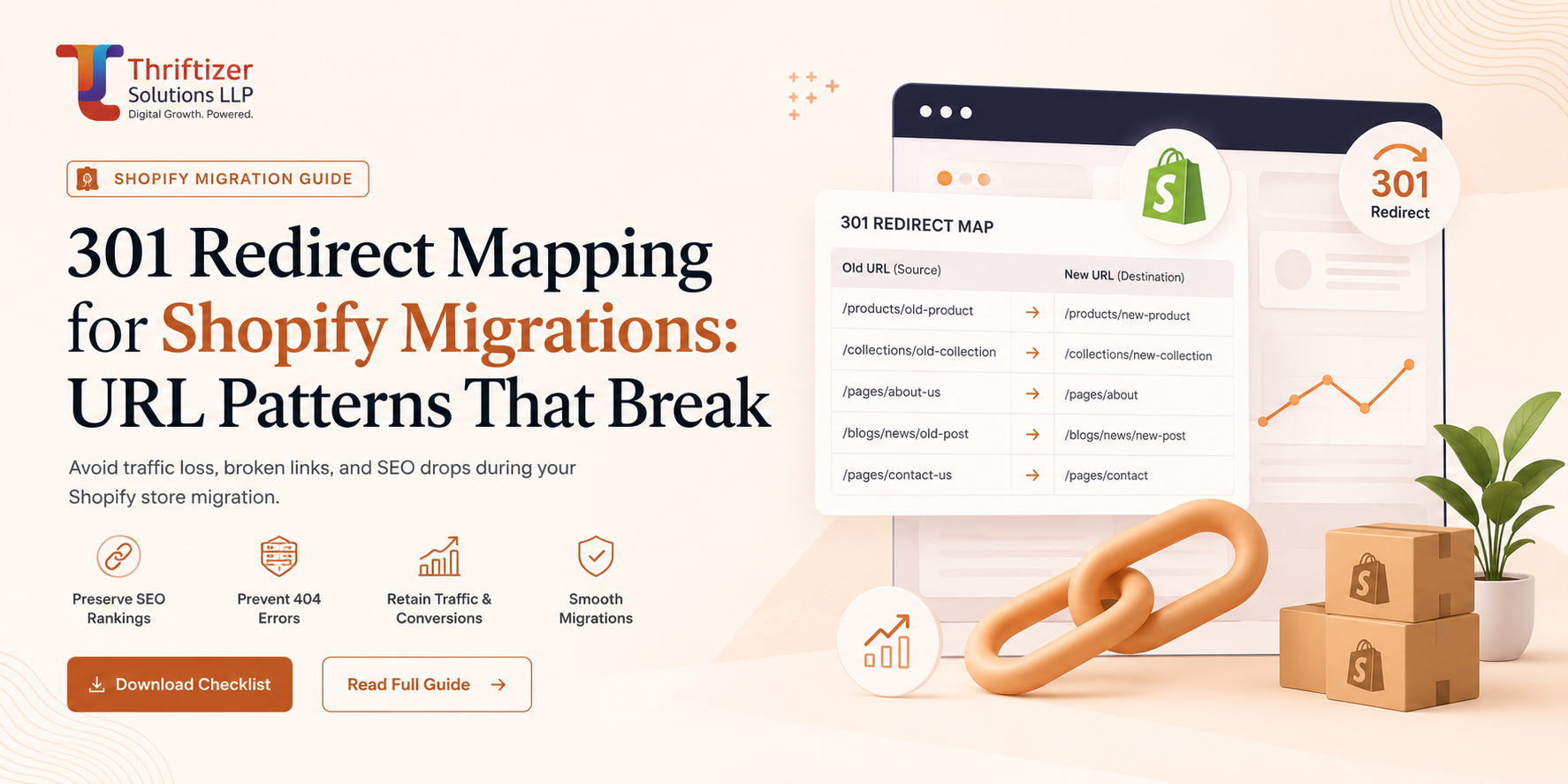
If you are searching for how to handle Shopify migration 301 redirects, here is the short version: Shopify's native redirect tool does exactly one thing well, which is mapping one old path to one new path. It cannot read query strings reliably, it has no wildcards, no regex, no directory-level rules, and it silently loses to any live resource sitting at the same path. Every URL pattern your old platform generated with a ? in it is a problem you have to solve outside the admin, before you point DNS.
That single limitation is what turns most migration SEO postmortems into a story about lost traffic. The product-level mapping was fine. The 14,000 URLs shaped like index.php?route=product/product&product_id=8821 all collapsed into one redirect, and Google saw the whole catalogue turn into a single page.
What Shopify's redirect engine actually supports
Worth being precise, because the gap between the marketing and the behaviour is where projects go wrong.
- Redirects are 301s. Good. Created under Online Store > Navigation > URL Redirects, or imported by CSV with two columns, Redirect from and Redirect to.
- The cap is 100,000 per store. Sounds generous until you count a Magento install with layered navigation.
- Matching is on path only. Query parameters are ignored for matching and dropped on the way through.
- No patterns. You cannot say "everything under /product-category/ goes to /collections/". Every row is literal.
- Reserved paths (/admin, /cart, /checkout and a few others) cannot be redirected from.
- If a real page, product or collection already lives at the from path, the resource wins and your redirect never fires. This bites hardest when a legacy category was called /shop and you also created a page with the handle shop.
- Large CSV imports time out. We batch in chunks of a few thousand rows and verify each batch before loading the next.
One genuinely useful behaviour: if you are changing domains, attach the old domain to the Shopify store as a secondary domain. Shopify will 301 it to the primary and keep the path. That handles www/non-www, m. subdomains and old brand domains in one move, without a server.
Build the URL inventory before the old site goes dark
You cannot redirect a URL you never recorded. Do this while the legacy site is still serving traffic, not after.
Five sources, merged and deduped:
- A full crawl of the live site (Screaming Frog, JavaScript rendering on if the old theme needs it). This gives you the internal link graph.
- Every XML sitemap, including the ones nobody links to any more.
- Search Console, Performance report, 16 months, exported by page. This is the only honest list of what actually earns clicks.
- GA4 landing pages, 12 months. Catches paid landers, email URLs and pages Google never ranked but customers still use.
- Backlink export from Ahrefs or Semrush, sorted by referring domains. Includes URLs that 404'd years ago and still hold links. Those are worth redirecting on day one.
Then add server logs if you can get them. On one Magento to Shopify project the logs were the only place we found the old print-invoice URLs that a reseller had bookmarked and was hitting 200 times a day.
Sort the merged list by clicks, then by referring domains. The top 300 rows get manual attention. The tail gets rules.
Query strings are where Shopify migration 301 redirects break
This is the pattern class Shopify cannot reproduce, and it is worth understanding exactly why.
Old OpenCart, Zen Cart, osCommerce and pre-SEO-URL Magento all identify products in the query string:
- /index.php?route=product/product&product_id=8821
- /product_info.php?products_id=442
- /ShowProduct.aspx?ID=1190&cat=17
- /?p=3312 and /?product=slug on older WooCommerce installs
The path is identical across the entire catalogue. Shopify sees /index.php and nothing else. Create a redirect for it and every one of those product URLs lands on the same destination. Shopify will accept a from value that contains a query string, and in our testing it fires inconsistently enough that we treat it as unsupported and plan around it.
Three ways out, in order of how much we like them:
1. Keep the legacy stack alive on a cheap box. Only works if the domain is also changing. Point the old domain at a small server or a static rules file for 12 to 18 months and serve real 301s with the query string parsed. Costs a few hundred rupees a month and it is the cleanest answer.
2. Cloudflare Worker in front of Shopify. Proxy the primary domain through Cloudflare, read request.url in a Worker, look up the parameter in a KV map and issue a 301 before the request reaches Shopify. It works. It also means you now own TLS termination and Shopify's automatic certificate renewal is no longer automatic, so someone has to remember. Do this only if the query-string URLs carry real traffic or links, and document it for whoever inherits the store.
3. JavaScript on the 404 template. Liquid cannot read query parameters, so this is client side. Ship a JSON map as a theme asset, read window.location.search on the 404 page, look up the ID and redirect. Users get where they were going. Google will usually follow it, but it is a client-side redirect on a 404 response, so it consolidates nothing. Use it for the tail, never for your top sellers.
Legacy path patterns, by platform
The good news: a lot of ugly legacy URLs are path-based, which means Shopify handles them fine as 1:1 rows. Knowing which is which saves days.
Magento 1 and 2. /catalog/product/view/id/1234 and /catalog/category/view/id/45 are paths, so they map cleanly if you export the ID-to-SKU table before decommissioning. The .html suffix on rewritten URLs (/mens-oxford-shirts.html) is also just a path. Store-code prefixes like /in/ or /default/ are paths. Layered navigation (?price=1000-2000&color=42) is not, and mostly should not be redirected anyway.
WooCommerce. /product/slug/ to /products/slug is usually a find-and-replace job. The trap is /product-category/men/shirts/, which nests two or three levels deep and has no Shopify equivalent because collections are flat. You need a decision per category: build a collection, or fold it into the parent. Blog archives in date form (/2021/07/12/post-title/) map fine to /blogs/news/post-title. Pagination (/shop/page/4/) should go to page one of the target collection, not page four.
PrestaShop. /442-navy-linen-shirt.html and /23-shirts. Paths, straightforward, high volume. Watch the ?id_product= variants that older themes emitted.
Wix and Squarespace. /product-page/slug and /shop/p/slug are clean. Anything still using the old hash-bang format (/#!/product/12) is invisible to the server, and no server-side redirect will ever see it. Client side only.
Everyone. AMP suffixes (/product/slug/amp/), print views, feed URLs (/product/slug/feed/), and /wp-content/uploads/ image paths that quietly earn Google Images traffic. Image URLs are rarely worth 100,000-row budget, but check your top 20 in Search Console before you write them off.
Case, trailing slashes and encoded characters
Old ASP.NET and PrestaShop sites happily served mixed case: /Mens/Shirts/Oxford-Blue.html. Shopify handles are lowercase. Do not assume the redirect will match regardless of case, test it on your own store during staging with a throwaway row, because behaviour has changed over the years and your list is too long to guess with.
Trailing slashes are the same story. Generate both versions for your top 300 URLs and let the duplicates sit there. A wasted row costs nothing. A missed 301 on a page with 40 referring domains costs real money.
Encoded characters are the quiet killer. Slugs with %20, &, apostrophes or Hindi and Arabic characters need to be tested individually. Session IDs (;jsessionid=, ?osCsid=) can be ignored; those pages were never indexable.
What gets a 1:1 target, and what does not
Rule we use: every URL that has earned a click in the last 16 months or holds at least one referring domain gets a specific destination. Everything else gets the closest category-level match.
Discontinued products go to the collection they belonged to, never the homepage. Google treats a mass redirect to the homepage as a soft 404 and drops the page, which is the same outcome as doing nothing plus a worse user experience. If a product is genuinely gone and there is no sensible collection, let it 410. A clean gone signal beats a lie.
Where the old category structure was deeper than what Shopify's flat collections allow, decide the trade-off explicitly. Sometimes three thin legacy categories should become one collection with filters. Sometimes a category ranked well enough that it deserves its own collection page even though merchandising would rather it didn't. We look at the Search Console data per URL and let that settle the argument. Our Shopify migration work almost always includes a session where the SEO list and the merchandising plan get reconciled in the same room.
Testing before and after cutover
Pre-launch, run the full from list through Screaming Frog in list mode against the staging domain with the redirects already loaded, using the staging password bypass token. You are looking for four failures: rows returning 200 (a live resource beat your redirect), rows returning 404 (typo in the destination), chains of two or more hops, and loops.
Chains matter more than people think on a big catalogue. A 301 to a 301 to a 200 is a slower first paint for a customer arriving from Google on a 4G connection in Indore, and it burns crawl budget. Always point at the final destination.
Post-launch, recrawl the same list against the live domain within two hours. Then again at day 7 and day 30, because new redirects added by the merchandising team will quietly create chains against your originals.
The 404 log nobody sets up
Shopify has no native 404 report, which means most stores never learn what they missed. Fix that in the theme on day one: on the 404 template, fire a GA4 event with the requested path and the referrer. Build one exploration filtered to that event, sorted by count. Check it weekly for eight weeks.
That report is where you find the URL patterns your five-source inventory missed: the affiliate links, the QR codes on old packaging, the WhatsApp forwards from 2022. Every migration produces a few thousand of them and about 50 that matter.
Pair it with Search Console's Pages report, filtered to "Not found (404)". The two lists overlap but not completely, because GSC only shows what Google tried to crawl.
Timing, and the Merchant Center trap
Do not migrate an Indian D2C store in September or October. Rankings wobble for two to six weeks after a platform move even when the redirect map is clean, and losing that window before Diwali is not recoverable. January to February and May to June are our preferred slots.
The thing that catches almost everyone: Google Merchant Center and Meta catalogue feeds still point at the old URLs. At cutover those product links 404, and within 48 hours you get item disapprovals and your Shopping campaigns stop serving. The redirects do carry the click through, but Merchant Center penalises the mismatch between feed link and landing page anyway. Update the feed URL at the same hour you flip DNS, and re-fetch manually rather than waiting for the scheduled crawl. Same for any affiliate network deep links and any Razorpay payment page links sitting in old email templates.
One more: check your robots.txt and sitemap submission on day one. Shopify generates /sitemap.xml automatically. Submit it, and keep the old sitemap files accessible for a few weeks if you still control the old host, because Google will use them to discover the URLs it needs to re-crawl and re-map.
Start with the inventory
If you are three weeks out from a migration, the highest-value hour you can spend today is exporting 16 months of Search Console page data and a backlink report, and finding out how many of those URLs contain a question mark. That number tells you whether this is a CSV exercise or an edge-rules project, and it changes the timeline.
If you would rather have someone else read the crawl, we do a free pre-migration audit that includes the redirect risk on your current URL structure. Send the domain and the platform you are on.