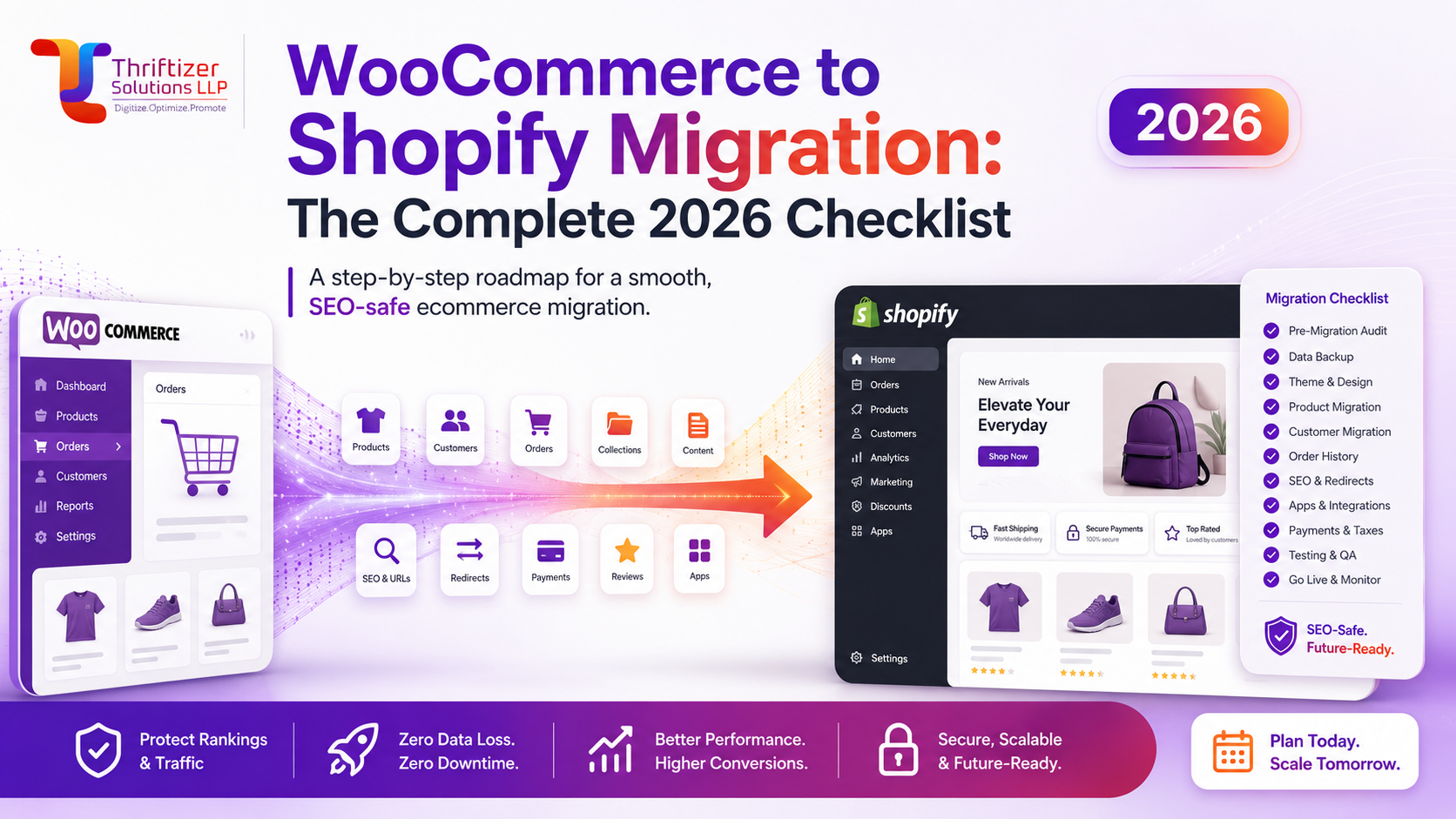
WooCommerce to Shopify Migration: The Complete 2026 Checklist
A WooCommerce to Shopify migration is four separate jobs, not one: moving the data, mapping every old URL to a new one, rebuilding checkout and payments, and replacing the plugin stack with apps or native features. Only one of those can permanently damage your business if you get it wrong, and it isn't the theme. It's the URLs. We have rebuilt a lot of Woo stores on Shopify, and the ones that lost organic traffic lost it because someone treated the redirect map as a launch-day afterthought.
Here is the checklist we actually work from, in the order we work through it.
What breaks in a WooCommerce to Shopify migration
Shopify's data model is stricter than WooCommerce's. That is mostly a good thing, and it also means a handful of things will not survive the move intact:
- Customer passwords. Shopify cannot import password hashes. Every existing customer has to either accept an account invite or reset. If you have 30,000 accounts, do not fire 30,000 invites in one afternoon unless you enjoy conversations with your ESP about spam complaints.
- Products with more than 3 options. Non-Plus plans cap out at 3 options and 100 variants per product. Woo stores selling, say, a shirt in colour x size x sleeve x fit need restructuring, usually by splitting into linked products or moving one axis into a line-item property.
- Subscription card tokens. If you run WooCommerce Subscriptions, the stored payment tokens belong to your old gateway configuration. Some gateways will port tokens with a support ticket; many will not, and your subscribers have to re-enter cards. Find this out in week one, not week six.
- Custom PHP. Anything sitting in functions.php or a bespoke plugin has no Shopify equivalent. It becomes an app, a Shopify Function, or it gets dropped.
- Image URLs. Your /wp-content/uploads/ paths die. Images that rank in Google Images will 404 unless you keep the old host alive or redirect the paths.
The pre-migration audit that saves you two months
Two days of counting before anyone touches a theme file. We pull:
Product, variant, collection, page, blog post and customer counts. Every URL in your sitemap plus every URL Google actually has indexed (Search Console's Pages report, not just the sitemap, because Woo stores accumulate tag archives and attribute-filter URLs nobody remembers creating). Your top 200 landing pages by organic entrance and their revenue. The full plugin list with what each one does and whether anyone still uses it. Your gateway, shipping and invoicing setup.
That last item matters more in India than people expect. A Woo store running a GST invoice plugin, a Shiprocket connector, a COD OTP plugin and a pincode-serviceability checker has four dependencies to replace, and the serviceability checker is usually custom.
The audit also tells you whether the migration is worth doing. If your Woo store is on ₹800-a-month shared hosting, does ₹18 lakh a year, and the only real complaint is speed, moving to Shopify will fix it. If you have a membership area, an LMS, or B2B pricing with 40 customer-specific price lists, budget for a lot more than a data import. We say no to a handful of these every year.
Data: what moves cleanly, what needs hand work
Products, collections, customers and orders all move via CSV or a migration app. The clean part is title, description, SKU, price, weight, inventory and images. The work sits in the edges.
Descriptions. Woo product descriptions written in Elementor or a page builder come across as a soup of divs and shortcodes. Strip them. We usually run a script to clean the HTML down to headings, paragraphs and lists, then rebuild the rich bits (size charts, ingredient tables, care instructions) as metafields so they render consistently across the catalogue instead of being trapped inside each description.
Attributes. Woo global attributes used for filtering become Shopify options plus metafields plus tags, depending on what they're for. Decide the taxonomy before importing, because retrofitting tags across 4,000 SKUs is miserable.
Orders. Import them for customer service, not for analytics. Twelve to twenty-four months is usually enough. Tag every imported order ("legacy-woo") so your reports and LTV numbers stay honest and you can filter them out later.
Reviews. Export from whatever Woo plugin you use and map by SKU, never by product ID. Product IDs change; SKUs don't. Losing 6,000 reviews is a conversion hit you will feel within a week.
The redirect map is the whole ballgame
WooCommerce and Shopify use different URL structures, and there is no way around it. Shopify forces /products/ and /collections/ prefixes. So:
- /product/handle/ becomes /products/handle
- /product-category/category/ becomes /collections/category
- /shop/ becomes /collections/all
- /product-tag/ URLs usually become collections or get pointed at the nearest relevant collection
- Blog posts move from /2024/03/post-name/ or /blog/post-name/ to /blogs/news/post-name
- Attribute-filter URLs (?filter_colour=black) collapse into Shopify's filtering, which is a query-string layer on the collection
Build the map as a spreadsheet with three columns: old path, new path, monthly organic entrances. Sort by the third column. Every URL that got a single organic visit in the last 12 months needs a 301, and every URL that got more than 50 needs a human to verify the destination is genuinely equivalent. Pointing 300 dead category URLs at the homepage is how stores lose a third of their non-brand traffic.
Upload the map as a CSV under Online Store, Navigation, URL Redirects before you flip DNS. Then, on launch day, crawl the live site with Screaming Frog against your old URL list and confirm every one returns a 301 to a 200. Not a 302. Not a redirect chain.
Keep the WordPress host running for 60 days on a subdomain if you have image search traffic, and redirect /wp-content/uploads/ paths to the Shopify CDN equivalents for your top images. Also keep your old sitemap accessible long enough for Google to recrawl it.
Replacing plugins: expect to drop half of them
The average Woo store we migrate runs 22 to 30 plugins. Most map to something native in Shopify, and a good number are solving problems Shopify does not have (caching, image optimisation, security hardening, database cleanup). What you actually need to plan for:
Reviews, email and SMS, loyalty, subscriptions, GST invoicing, shipping and courier integration, and any bespoke logic like bundles or serviceability checks. Price the app stack before you commit, because it is a recurring cost. A typical Indian D2C stack lands somewhere between ₹6,000 and ₹20,000 a month in app subscriptions, and it is easy to reach ₹40,000 if you add a page builder, a search app and a subscription platform without thinking.
Where an app doesn't exist or costs more than it's worth, a small custom build is often cheaper over two years. We publish our own apps on the Shopify App Store, so we're biased, but the maths usually holds: see Shopify app development for how we scope those.
Payments, COD and GST for Indian stores
Shopify Payments isn't available in India, so you're on Razorpay, Cashfree, PayU or similar. Two costs stack: your gateway's ~2% plus GST, and Shopify's third-party gateway fee, which is 2% on Basic and falls as you move up plans. On ₹50 lakh of monthly GMV, the difference between Basic and Advanced in gateway fees alone can outweigh the plan price difference. Do that arithmetic before picking a plan.
COD needs deliberate setup. Shopify handles it as a manual payment method, but you'll want OTP verification on COD orders, a COD fee or a prepaid discount to shift the mix, and pincode-level serviceability rules. Woo stores often have this logic hardcoded; on Shopify it becomes app configuration plus, sometimes, a Shopify Function for the checkout rules.
GST invoicing is not native. Shopify's tax engine will calculate the tax, but it will not produce a compliant tax invoice with HSN codes, place of supply and your GSTIN. That's an app, and it needs testing against your CA's expectations before launch, not after your first festive-season week. Food brands, put your FSSAI licence number in the theme footer and on the invoice template while you're in there.
Don't rebuild your WooCommerce design
The instinct is to recreate the old site pixel for pixel so "nothing changes." Resist it. Most Woo designs carry a decade of page-builder debt, and cloning them onto Shopify means fighting the theme architecture for no gain.
Start from a well-built base theme, keep the brand system (type, colour, photography, tone), and rebuild the templates as sections merchandisers can edit without a developer. Keep the layout of your highest-converting PDP and collection page recognisable, because familiarity is worth real money on repeat traffic. Change everything else.
Speed is the payoff. A Woo store loading 1.2 MB of JavaScript across six plugins and a slider can sit at a 2.5s to 4s LCP on 4G in India. A tight Shopify theme with lazy-loaded sections and a disciplined app list lands under 1.8s, often under 1.5s. That is the single most defensible reason to migrate, and it evaporates if you install nine apps that each inject a script into every page.
Launch week runbook
Freeze the Woo catalogue 48 hours out. Run a final delta import of orders and customers placed since the main import. Lower your DNS TTL to 300 seconds a day before. Then, on the day:
- Point DNS, confirm SSL is issued and forced.
- Crawl the old URL list, verify 301s, fix chains.
- Place three real test orders: prepaid, COD, and one with a discount code. Confirm the invoice, the courier push and the confirmation email.
- Verify GA4, Meta pixel, Google Ads conversion tags and server-side events are firing with correct values, not zeroes.
- Submit the new sitemap in Search Console. Leave the property alone otherwise; the domain hasn't changed, so no change-of-address request.
- Batch the customer account invites over a week, biggest spenders first.
The first 30 days decide whether it worked
Watch Search Console's Pages report daily for the first fortnight. A short dip in impressions while Google recrawls is normal. A rising count of 404s is not, and it means your redirect map has holes. Compare organic revenue against the same period last year rather than last month, since seasonality will lie to you.
Also watch your COD-to-prepaid ratio and RTO rate. Checkout changes shift buyer behaviour in ways that don't show up in conversion rate. And check add-to-cart rate on your top 20 products; if reviews didn't map correctly, you'll see it there first.
Cost, timeline and when to skip Shopify Plus
For a catalogue under 500 SKUs with a straightforward plugin stack, three to five weeks is realistic. A 5,000-SKU store with subscriptions, B2B pricing and custom logic runs eight to twelve. Anyone quoting you a 10-day migration on a large catalogue is either skipping the redirect work or skipping the testing. We break down what drives the number in Shopify development cost in India.
On Plus: most brands migrating off WooCommerce do not need it yet. If you're doing under roughly ₹4 crore a year, don't run wholesale as a serious channel, and don't need checkout customisation beyond what Functions allow on standard plans, Plus is an expense without a return. Move to Shopify first, grow, then upgrade when checkout scripts, B2B or multiple expansion stores actually block you. When that day comes, our Shopify Plus team handles the step up.
If you want a second opinion before you commit, send us your Woo URL and we'll run a free audit: URL inventory, plugin-to-app mapping, and a straight answer on whether the migration pays for itself. If you already know you're moving, the Shopify migration page covers how we run the project.