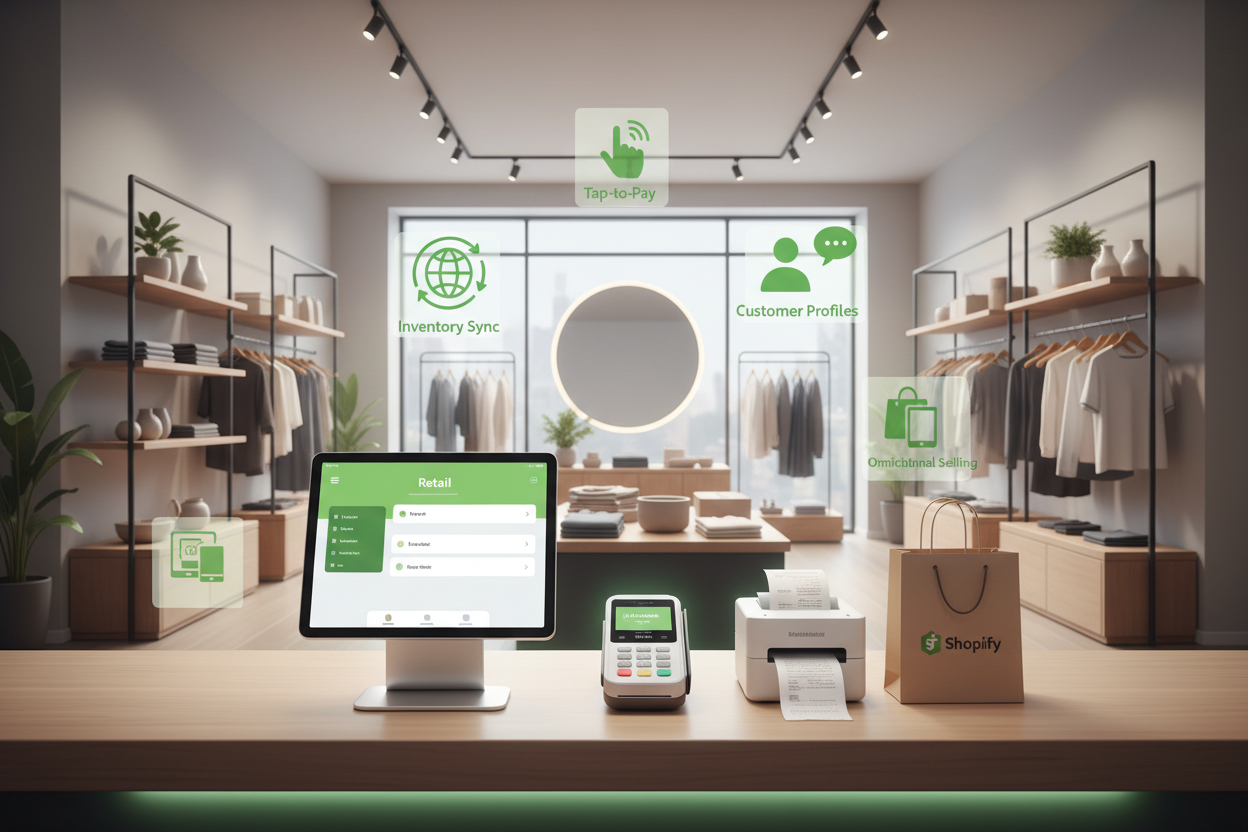
Shopify POS for Retail: What Store Owners Should Know Before Setup
If you already sell on Shopify and you're opening a counter, Shopify POS is usually the right call. Not because it's the best point-of-sale software ever written, but because it shares one product catalogue, one inventory count and one customer record with your online store. That single-database advantage is worth more than any feature list. What trips people up is everything around it: which plan tier they actually need, tax settings, hardware that ships slowly, and the fact that half their favourite Shopify apps do nothing at a physical register.
Here's what we tell retail clients before they buy a single card reader.
What Shopify POS actually is (and what it isn't)
Shopify POS is an app you run on an iPad, iPhone or Android device that turns your Shopify admin into a till. Ring up a sale in-store, the stock count drops in the same place your online orders draw from. Refund an online order at the counter and it lands back in the same order record.
It is not a full retail ERP. If you run consignment, complex assemblies, serialised warranty tracking or wholesale with per-customer price books across dozens of doors, you'll be bolting on apps or looking at Lightspeed or Cin7 sitting behind Shopify. For apparel, footwear, beauty, homewares, food and beverage, pet, jewellery, and most specialty retail up to a handful of locations, the native Shopify retail system handles it comfortably.
POS Lite vs POS Pro: the decision that changes your monthly bill
Every Shopify plan includes POS Lite at no extra cost. It sells things, takes payment, prints a receipt. That's roughly the extent of it.
POS Pro is around US$89 per location per month (cheaper on an annual commitment), and it's where the retail features live: staff roles and PIN-level permissions, unlimited POS logins per location, in-store stocktakes and inventory transfers between locations, exchanges rather than refund-then-resell, buy-online-pickup-in-store, local delivery, ship-to-customer from the register, and retail reporting by staff member and location.
Our rule of thumb: one owner-operated stall or a pop-up that runs for three weekends? Lite is fine. Any store with employees handling discounts, or any business that wants click-and-collect, needs Pro. The permissions alone pay for it. We've seen unmonitored staff discounting quietly cost more in a quarter than a year of POS Pro across three locations.
Hardware: buy less than you think, and buy it early
Shopify's first-party hardware is well made and works out of the box, which matters more than saving a hundred dollars on a grey-market reader that won't pair.
- Tap & Chip reader — under US$100. Pairs to an iPad over Bluetooth. This is the sensible starting point for most stores.
- POS Terminal — a countertop unit with a customer-facing screen and dock. Better for a fixed counter doing real volume.
- POS Go — an all-in-one handheld with a built-in scanner. Good for markets, pop-ups, clienteling on the shop floor, and boutiques where staff sell while standing next to the customer.
- Receipt printer, cash drawer, barcode scanner — Star Micronics printers and Socket Mobile scanners are the supported ones. Don't improvise here.
Two practical notes. First, Shopify's card readers require Shopify Payments in the US and Australia; if you're using a third-party gateway you can still take cash and record external card payments, but you lose tap-to-pay through the app. Second, order hardware three to four weeks before you plan to open. Australian stock in particular runs thin around Q4, and a store that opens with a phone-based reader and no receipt printer looks exactly as improvised as it is.
Also budget for a cellular data plan or a 4G backup router. Shop wifi fails on the busiest Saturday of the year, every time.
Shopify POS setup, step by step
- Create the location in Settings → Locations before anything else. Every inventory decision keys off this.
- Split inventory by location. Do a physical count and assign real quantities. Guessing here poisons every report you'll run for the next six months.
- Fix your SKUs and barcodes. Every variant needs a unique barcode. If your supplier doesn't provide GTINs, generate your own and print labels. Scanning is the difference between a 20-second sale and a 90-second one.
- Set tax correctly. Australian retailers show GST-inclusive prices; US stores add sales tax at the register based on the store's address and nexus. If you sell into both markets, sort out your market-level pricing before launch, not after your first BAS or state filing.
- Add staff with PINs and permissions. Decide who can discount, who can refund, who can open the cash drawer, who can see daily totals.
- Configure payments — card, cash, gift card, and any custom types you need (bank transfer, layby/deposit).
- Build the smart grid. Put your top 12 sellers, custom sale tile, and gift cards on the home screen. Staff will thank you.
- Test the full loop: sell, refund, exchange, gift card redemption, online order pickup, and an end-of-day cash count. Do it on a quiet Tuesday, not on opening day.
Mistakes we see most often with Shopify POS for retail
Assuming online apps work at the register. Most don't. Discount apps, bundle apps, subscription tools and many loyalty programs are checkout-web-only. Loyalty is the big one: if you want points earned and redeemed in-store, choose a provider with a genuine POS extension and confirm it before you commit. If you need something that only exists on your website, a custom POS UI extension is usually a two-to-four-week build, not a six-month project.
Letting staff create products at the till. One week of "quick add" and your catalogue has three versions of the same t-shirt. Lock it down with permissions.
No inventory buffer. Selling the same stock online and in-store means the last unit gets sold twice at some point. Hold back one or two units on fast movers, or accept the occasional cancellation email.
Migrating from Square, Vend or Lightspeed without cleaning the data. Historical sales don't transfer, and customer lists usually arrive full of duplicates and dead emails. We handle this as part of a Shopify migration: dedupe customers, map SKUs, then reconcile the first fortnight of sales manually to catch anything that drifted.
Ignoring the receipt. It's the cheapest marketing surface you own. Add your returns policy, socials, and a line about your loyalty program.
What it costs in practice
For a single-location US or Australian retailer already on Shopify: POS Pro at roughly US$89/month, a Tap & Chip reader plus printer, drawer and scanner somewhere in the US$400–700 range depending on what you already own, and in-person card processing that typically lands around 2.4–2.6% plus 10¢ in the US and closer to 1.5–1.7% in Australia depending on your plan tier. Verify current rates against Shopify's pricing page for your region before you build a margin model on them.
Add apps for loyalty and appointment booking if you need them. Realistically, most single-store setups sit under US$200/month in software before payment fees. Two well-trained staff and a scanner will get you more return than any app in that stack.
Best practices once you're live
Cycle-count a section of the store every week rather than doing one brutal annual stocktake. Use POS Pro's staff reports to spot who converts and who doesn't, then coach rather than accuse. Turn on local pickup properly, with a real pickup window and a notification email you'd be happy to receive; done well, click-and-collect becomes a reliable second visit and an upsell opportunity. Capture email at the till with a reason attached, not "can I get your email" into silence.
And review the online store alongside the shop. Retailers who add POS often let the website drift for a year. A quiet site with slow product pages will drag on the whole business, particularly through Q4 when your paid traffic gets expensive.
FAQ
Can I use Shopify POS without an online store?
Yes. You still need a Shopify plan and your products still live in the same admin, but you can keep the storefront password-protected. Most retailers eventually open it anyway.
Does Shopify POS work offline?
Partially. The app caches enough to keep ringing up card sales briefly if connectivity drops, but don't rely on it. A 4G backup is cheaper than a dead Saturday.
Do I need POS Pro for every location?
Yes, it's billed per location. A three-store retailer pays three subscriptions.
Can I run Shopify POS on Android?
Yes, though iPad support is more mature and the accessory ecosystem is broader. If you're buying fresh, buy iPads.
Will my Shopify discounts and gift cards work in-store?
Native Shopify discount codes and gift cards do. Third-party app discounts usually don't. Test yours specifically.
How long does a Shopify POS setup take?
A single location with clean product data: two to five days including staff training. Coming off another POS with years of history and messy SKUs: two to four weeks.
Can customers return an online order in-store?
With POS Pro, yes, and exchanges too. It's one of the strongest reasons to run both channels on the same platform.
Where to start
Do the physical stocktake first. Everything else in a Shopify POS rollout depends on knowing exactly what's on your shelves, and it's the one task nobody enjoys enough to volunteer for.
If you'd like a second pair of eyes on how your store and counter fit together, request a free Shopify store audit. We'll look at your product data, inventory setup, app stack and site speed, and tell you which fixes actually move revenue and which ones can wait until January.
Latest News
Also Read.