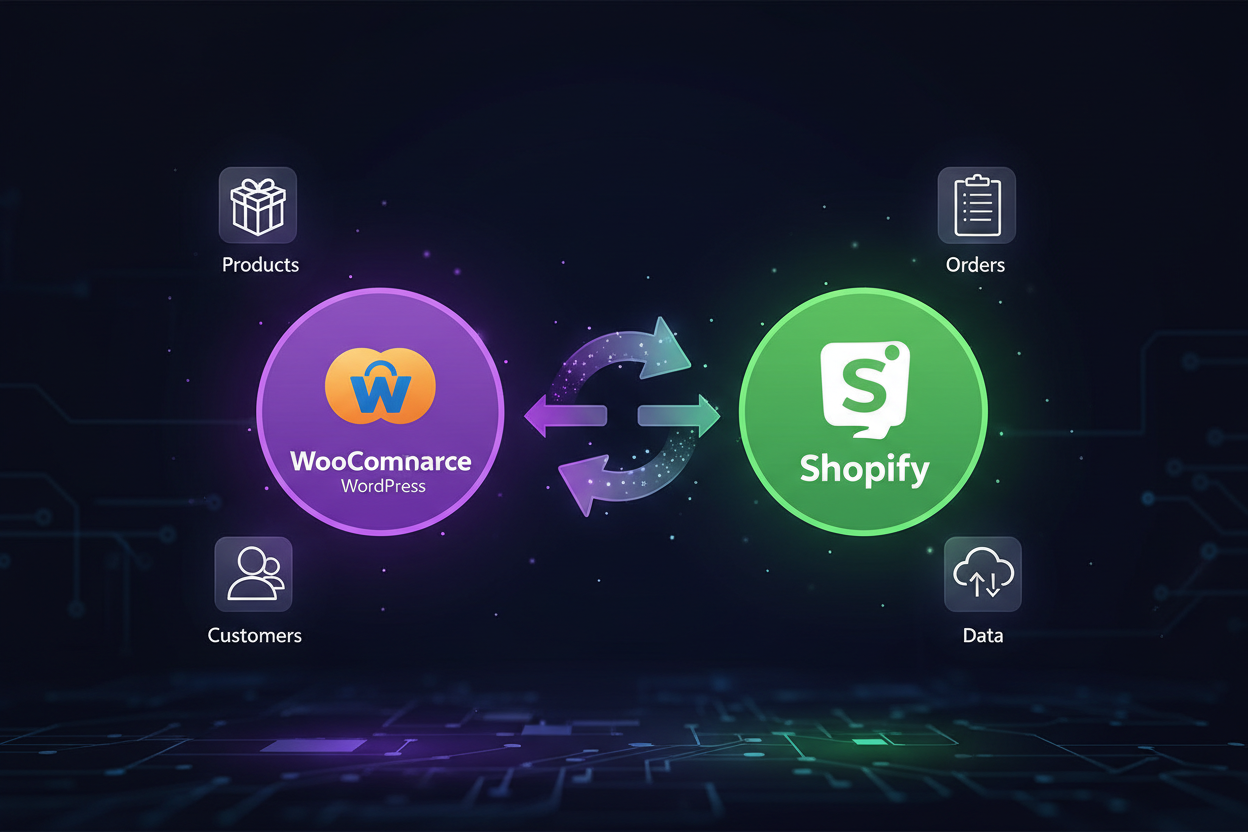
WooCommerce to Shopify Migration: Complete Step-by-Step Guide (2026)
If your WooCommerce store is starting to feel like more of a liability than an asset, plugin conflicts, slow load times, hosting headaches, and a checkout that never quite converts the way you want, you're not alone. Thousands of merchants move from WooCommerce to Shopify every year, and 2026 is shaping up to be one of the biggest migration waves yet, driven by rising WordPress maintenance costs and Shopify's steady lead in checkout performance and app ecosystem.
As a Shopify expert in India based in Bangalore, Thriftizer has migrated hundreds of stores from WooCommerce to Shopify without losing rankings, data, or revenue. Here's exactly how a proper migration should go — and where most DIY attempts go wrong.
Why merchants move from WooCommerce to Shopify
WooCommerce is free to install, but it's rarely free to run. Hosting, security patches, plugin licenses, and developer hours to keep everything compatible add up fast — and a single bad plugin update can take your store offline. Shopify shifts that burden onto a platform built specifically for commerce, with hosting, PCI compliance, and uptime handled for you.
WooCommerce vs Shopify
| Factor | WooCommerce | Shopify |
|---|---|---|
| Hosting | Self-managed (separate cost) | Included |
| Security & PCI compliance | Your responsibility | Fully managed |
| Checkout speed | Depends on hosting/plugins | Optimized, fast by default |
| Maintenance | Ongoing plugin/theme updates | Platform-managed |
| App ecosystem | WordPress plugins (variable quality) | Shopify App Store (vetted) |
| Scalability | Limited by hosting infrastructure | Built to scale, Shopify Plus available |
| Support | Community/forums, paid devs | 24/7 platform support |
| Upfront cost | Low | Subscription-based |
Step-by-step: How the migration actually works
1. Audit your existing store. Before anything moves, we map every product, category, customer record, order history entry, blog post, and URL on your WooCommerce site. This becomes the migration checklist.
2. Choose the right Shopify plan. A small catalog usually fits standard Shopify; high SKU counts, B2B pricing, or multi-store setups often call for Shopify Plus.
3. Migrate products and variants. Product titles, descriptions, images, variants, pricing, and inventory levels are transferred with SEO-friendly formatting preserved — not just dumped in as raw CSV rows.
4. Migrate customers and order history. Customer accounts and past order data move over so returning shoppers don't lose their history, and your team keeps accurate lifetime-value reporting.
5. Migrate blog content and reviews. Existing blog posts and product reviews are carried across so you don't start your content and social proof from zero.
6. Set up 301 redirects. This is the step most DIY migrations get wrong. Every old WooCommerce URL needs to redirect to its new Shopify equivalent, or you lose your search rankings overnight. Done correctly, most stores retain their organic traffic within weeks of launch.
7. Rebuild the theme and design. Your new Shopify theme is configured (or custom-built) to match your brand, with attention to page speed and mobile experience — two things WooCommerce sites often struggle with.
8. QA and test everything. Every product page, cart flow, payment gateway, shipping rule, and checkout path is tested before DNS is switched over.
9. Go live with zero downtime. DNS is cut over during a low-traffic window so customers barely notice the switch.
A well-run migration typically takes 7–10 days from kickoff to launch, depending on catalog size and customization needs.
Common mistakes to avoid
- Skipping 301 redirects — the single biggest cause of post-migration ranking drops
- Migrating products without cleaning up data — carrying over duplicate or outdated SKUs
- Not testing payment gateways before launch — a broken checkout on day one is costly
- Ignoring blog and image alt text during transfer — silently erodes SEO equity built over years
- Choosing a Shopify plan that doesn't fit — under- or over-provisioning for your actual scale
Why work with a Shopify Premier Partner for your migration
A WooCommerce-to-Shopify migration touches your entire business — inventory, customer data, SEO, and revenue — all at once. Thriftizer is a Shopify Premier Partner based in Bangalore, India, with 11+ years of experience and 5,000+ stores built globally. We handle the technical heavy lifting — data mapping, redirects, SEO preservation — so you don't lose momentum during the switch.
Not sure if migration is the right move yet? Start with a Free Shopify Store Audit — we'll review your current store and tell you honestly whether Shopify is a fit before you commit to anything.
FAQs
How long does a WooCommerce to Shopify migration take?
Most migrations take 7–10 days from start to launch, depending on the size of your product catalog and how much custom design work is needed.
Will I lose my Google rankings when I migrate?
Not if it's done correctly. Proper 301 redirects from every old URL to its new Shopify equivalent are essential to preserving your search rankings — this is the step most DIY migrations miss.
Does my order history transfer to Shopify?
Yes. Customer accounts and past orders can be migrated so you retain accurate customer history and lifetime-value data.
What happens to my existing blog posts and reviews?
Both can be migrated to Shopify, preserving the SEO value and social proof you've already built.
Do I need Shopify Plus, or is standard Shopify enough?
It depends on your catalog size, traffic, and whether you need B2B pricing or multi-store functionality. A quick audit is usually enough to tell you which plan fits.
Can I migrate without any downtime?
Yes — with proper planning, the DNS cutover happens during a low-traffic window so customers experience no interruption to shopping.
Thriftizer Solutions is a Shopify Premier Partner and Shopify expert agency based in Bangalore, India, helping brands migrate to and grow on Shopify. Get your Free Shopify Store Audit →
Latest News
Also Read.